
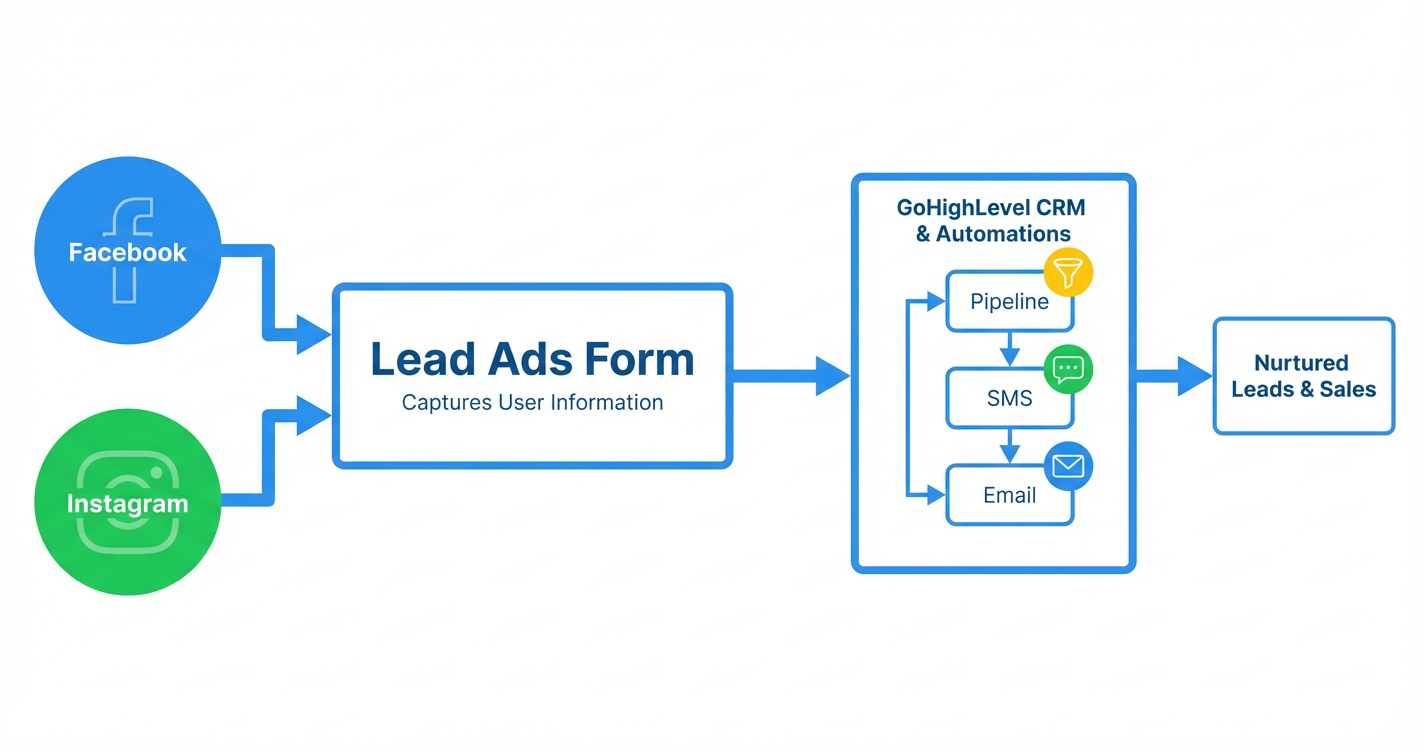
 GoHighLevel” title=”GoHighLevel Lead Ads Setup Workflow”>
Facebook and Instagram lead ads are one of the fastest ways to turn scrolling attention into pipeline. When you manage them directly inside GoHighLevel, every new lead lands in the same CRM, pipeline, and automation engine you already use for calls, follow-ups, and sales.
This guide walks you through how to set up Facebook and Instagram lead ads in GoHighLevel, what to watch out for, and how to turn those new leads into booked appointments and revenue.
If you don’t have a GoHighLevel account yet, you can start a free GoHighLevel trial here so you can follow along.
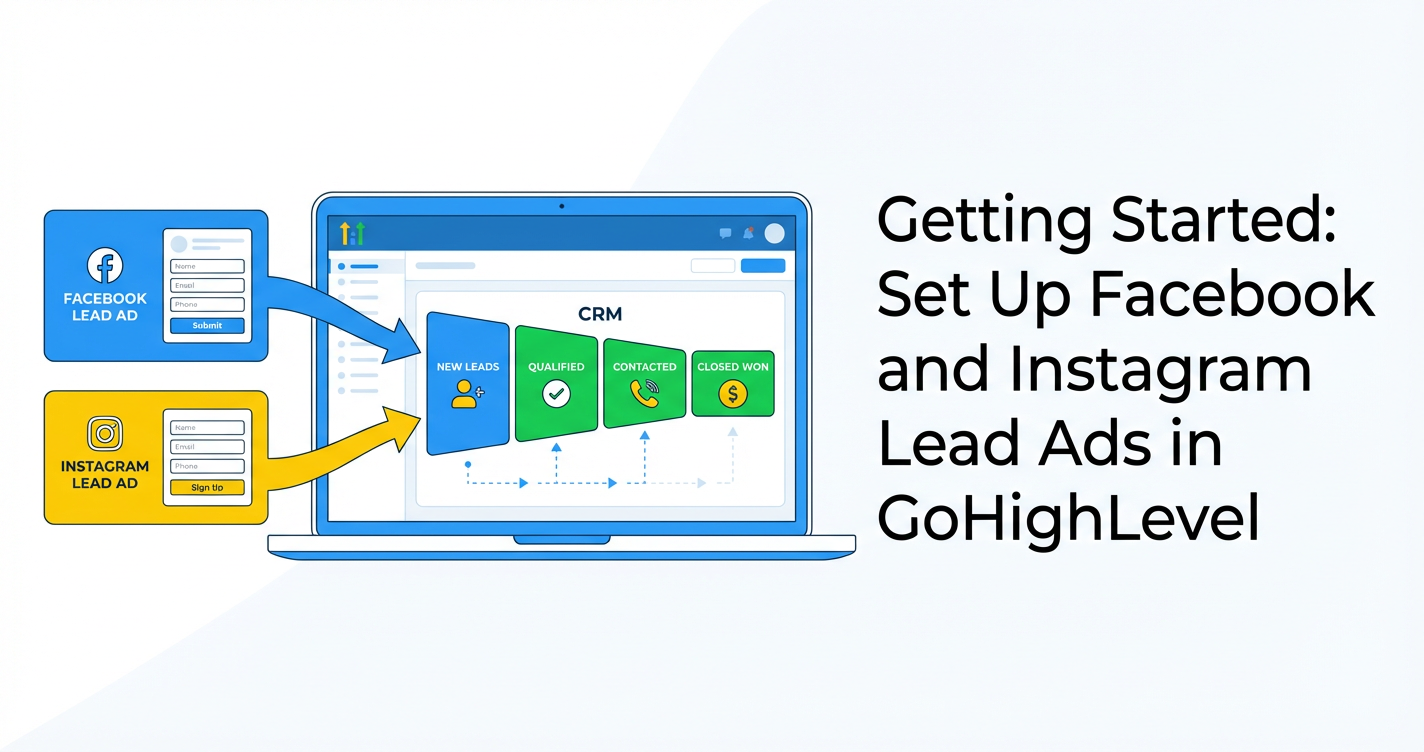
Setup Facebook/Instagram Lead Ads
In GoHighLevel, Facebook and Instagram lead ads are managed through Marketing → Ad Manager. At a high level, you’ll:
- Connect your Facebook account and pages.
- Create a lead generation campaign and Facebook lead form.
- Define budget and audience.
- Publish the campaign and route leads into GoHighLevel.
Below is the step-by-step breakdown.
1. Navigate to Ad Manager and activate it
- In your GoHighLevel sub-account, go to Marketing → Ad Manager.
- If this is your first time, click Activate Ads Manager and complete any subscription/activation steps.
Why this matters: Activating Ad Manager centralizes your paid social acquisition right next to your funnels, pipelines, and automations.
2. Connect Facebook and select the right page
- Click Connect Facebook.
- Log in and grant GoHighLevel the requested permissions.
- Choose the Facebook Page you’ll use for your lead ads. If you plan to run Instagram lead ads, make sure your Instagram Business Account is connected to this Facebook Page inside Meta Business settings.
Once connected, your ad accounts, pages, and forms will be available directly in GoHighLevel.
3. Create a new lead generation campaign
- In Ad Manager, click Get Started.
- Click Create Campaign.
- In Step 1 – Campaign Details:
- Choose Lead Generation as your objective.
- Name your campaign, ad set, and ad in a way that’s easy to recognize later (for example,
FB IG – Lead Form – Dental Implants – New Patients).
Create your Facebook lead form
- Click Create Facebook Form.
- Choose your form type:
- More Volume – shorter form, easier to complete (great for cold audiences).
- Higher Intent – adds a review screen (useful if you want more qualified leads).
- Add a strong headline and intro that explains what people are getting (for example, "Get a free strategy call to map out your next 90 days of lead generation").
- Add only the essential questions, such as:
- Full name
- Phone number
- One qualifying question (for example, "What’s your monthly ad budget?")
- Map each Facebook form field to the correct GoHighLevel contact fields so that data lands cleanly in your CRM.
- Click Create Form to save it.
Best practice: Shorter forms almost always convert better. Use your GoHighLevel workflows to qualify and nurture leads further instead of overloading the form.
Add your ad creative and copy
Still in Step 1 – Campaign Details:
- Choose your Facebook Page and Instagram account (if available).
- Select your creative format (single image, video, or carousel).
- Add your primary text, headline, and description. Focus on:
- The main problem you’re solving.
- The outcome they can expect.
- What happens after they submit the form.
- Upload a clean, high-contrast image that stands out in the feed and reinforces your offer.
CTA tip: Use action-focused CTAs like "Book Your Free Strategy Call", "Get the Playbook", or "Claim Your Free Audit" instead of generic "Learn More".
When your creative and copy look good, click Next.
4. Set budget and audience (Step 2)
In Step 2 – Budget and Audience Details:
-
Budget
- Choose a daily or lifetime budget that matches your testing plan (for example, $20–$50/day per audience to start).
- Avoid spreading a small budget across too many ad sets; you want enough data per ad set.
-
Audience
- Start with a clear, problem-aware audience: location, age, and interests related to your offer.
- Consider using custom audiences (email lists, website traffic) and lookalikes once you have data.
- Exclude existing customers or leads who are already in your pipeline when appropriate.
-
When you’re happy with the budget and targeting, click Next.
Optimization tip: Create 2–3 audiences to test (for example, interest-based, lookalike, and retargeting). Let each run for a few days before making big changes.
5. Review and publish (Step 3)
In Step 3 – Review:
- Double-check your campaign objective (Lead Generation), budget, schedule, and placements.
- Confirm your lead form, creative, and copy.
- Click Publish → Publish Ad Now.
Your campaign will go into review inside Meta, then start serving once approved. As leads submit the form, GoHighLevel will capture them automatically and route them into your CRM.
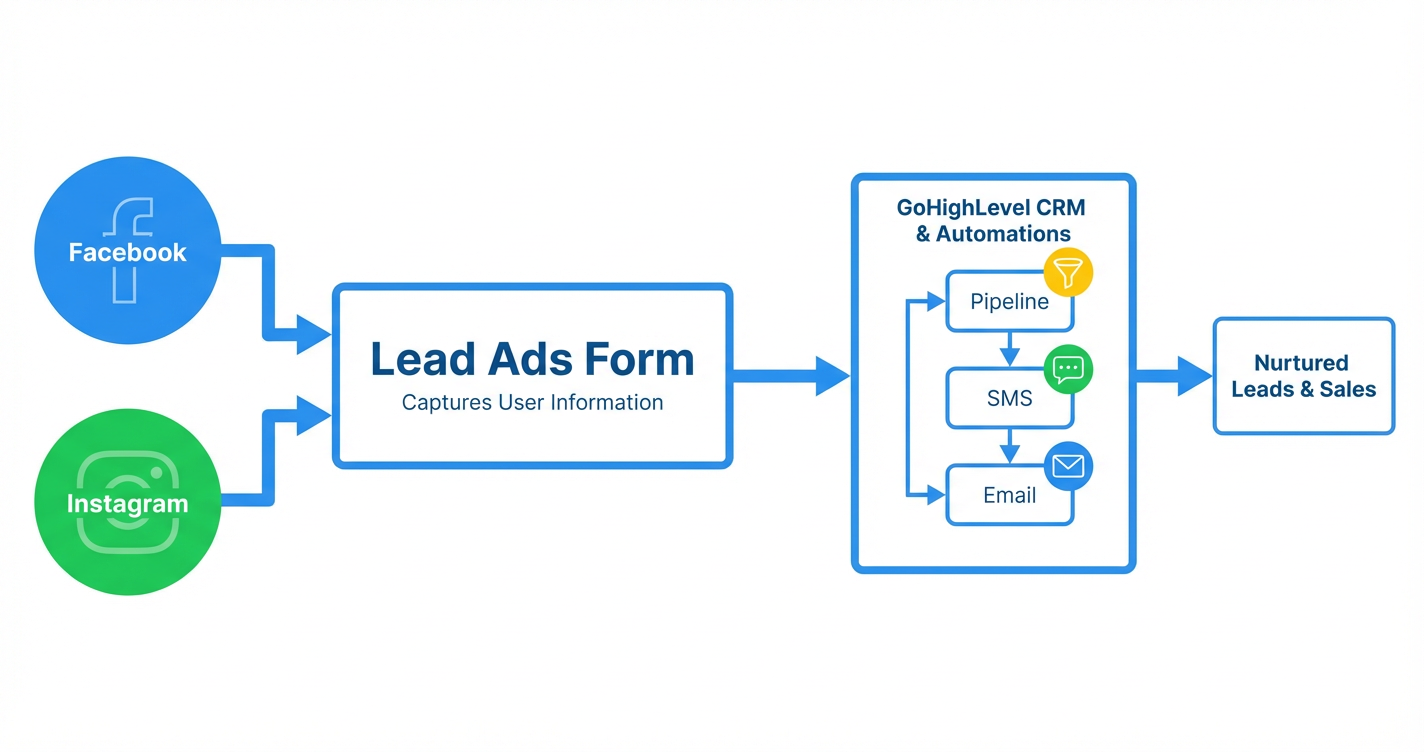
From ad to revenue: Facebook and Instagram users submit your lead form → GoHighLevel creates a contact → leads move into your pipelines, SMS, and email automation for nurture → booked calls and closed deals.
If you want a proven setup across ads, funnels, and automation instead of figuring it all out alone, Revset Labs can implement this entire flow for you and your team.
And if you’re still exploring GoHighLevel, you can start your free GoHighLevel trial here and plug this playbook straight into your account.
Publish An Existing Ad
Once you’ve tested campaigns and found angles that work, you’ll often want to republish or reuse existing ads instead of rebuilding from scratch.
To publish an existing ad from inside GoHighLevel:
- Go to Marketing → Ad Manager.
- Find the campaign/ad set/ad you want to reuse.
- Click the three-dot menu on the right of the ad.
- Click Edit.
- On Step 3 – Review and Publish, review your settings and then click Publish.
This is especially useful when:
- You paused a campaign for a period (for example, seasonal offers) and want to bring it back.
- You’ve duplicated a winning ad to test a new budget, audience, or market.
- You’re rolling out a proven creative concept across multiple locations or clients.
Pro tip: When reactivating winners, avoid making too many changes at once. Change one variable at a time (budget, audience, or creative) so you know what actually moved performance.
If you manage multiple client accounts, this workflow pairs perfectly with GoHighLevel’s snapshots and automations. You can templatize winning Facebook and Instagram lead ad campaigns, then roll them out quickly for future clients.
Where Revset Labs Fits In
Revset Labs is an AI Automation and Marketing Agency that builds end-to-end systems around GoHighLevel. Instead of stopping at “leads created,” we help you:
- Design lead magnets, offers, and funnels that attract the right prospects.
- Set up Facebook and Instagram lead ads using GoHighLevel Ad Manager.
- Build CRM pipelines, automations, and follow-up sequences that turn leads into sales.
- Layer AI onto your workflows for smarter routing, qualification, and messaging.
If you’d rather have a partner design and execute this for you, Revset Labs can implement the exact Facebook/Instagram lead ad setup described here—plus the downstream funnel, email/SMS sequences, and reporting—so you can focus on closing deals.
In the meantime, if you’re ready to get inside the platform and start experimenting, claim your free GoHighLevel trial and use this guide as your launch checklist.
Suggested Internal Links
These internal links are suggestions based on the rest of the Getting Started series and can be mapped to final URLs on the Revset Labs site: