
This guide walks you through a clean, low‑stress migration from Mailchimp to HighLevel so you can consolidate email, SMS, and CRM in one place—without breaking campaigns or losing revenue.

HighLevel gives you a full CRM, marketing automation, and funnel builder in a single platform. If you’ve outgrown Mailchimp’s email‑only approach, this is the perfect time to tighten your data, simplify your automations, and uplevel your reporting.
If you’re not on HighLevel yet, you can spin up an account in a few minutes and follow along with this tutorial: Start your free GoHighLevel trial.
Revset Labs is an AI automation and marketing agency that helps teams like yours plan, execute, and optimize migrations like this. You can use this playbook to run the project in‑house—or hand it to Revset Labs to implement for you end‑to‑end.
1. Prepare Your Mailchimp Account for Migration
1.1 Review your current Mailchimp setup
Before you touch HighLevel, get crystal clear on what actually needs to move.
Make a shortlist of:
- Audiences & segments – Which lists, tags, and segments are still active? Which can be archived?
- Email campaigns – One‑off broadcasts, evergreen newsletters, and key promos you’ll want to reuse.
- Automation workflows – Welcome sequences, nurture journeys, launch sequences, abandoned cart flows, etc.
- Forms & landing pages – Lead magnets, webinar registrations, pop‑ups, and embedded forms currently driving opt‑ins.
Capture the logic, not just the assets:
- Triggers (e.g. joins list X, submits form Y, clicks link Z)
- Delays and branching rules
- Any custom fields you rely on (e.g. Lead Source, Plan Type, Onboarding Stage)
Pro tip: Treat this as a chance to deprecate what’s no longer working instead of blindly copying everything into HighLevel.
1.2 Define migration objectives
Next, define why you’re moving to HighLevel so you can design the new system accordingly. Common reasons include:
- Consolidating tools – Replace separate email, CRM, funnel, and SMS tools with one platform.
- Deeper automation – Trigger multi‑channel workflows (email, SMS, pipelines, tasks) from a single contact record.
- Better sales visibility – Use HighLevel’s opportunities and pipelines to see exactly where leads stall.
- Lower total cost – Replace multiple subscriptions and reduce maintenance overhead.
Write down 3–5 concrete outcomes, for example:
- “All new leads from our main website funnel are managed only in HighLevel.”
- “Key evergreen sequences (welcome, trial, onboarding) are rebuilt and improved—not just copied.”
- “Sales can see every touchpoint (email, SMS, calls) in one CRM timeline.”
Revset Labs typically runs a short audit and architecture session at this stage to map Mailchimp assets into a HighLevel‑first funnel and automation structure.
1.3 Back up everything before you move
Never migrate without a full backup. In Mailchimp:
- Export audiences/contacts –
Audience → All contacts → Exportfor each active list. - Archive old contacts – Optionally archive cold, bounced, or unsubscribed contacts so they don’t clutter your migration.
- Save email HTML – For key campaigns, export or copy HTML so you can reuse structure in HighLevel.
- Document automations – Screenshot automation flows and download any text/image assets.
Store these assets in a shared folder so anyone working on the migration can reference them.
2. Migrate Contacts, Campaigns, and Automations
2.1 Export data from Mailchimp
From Mailchimp:
- Export contact lists – Include key fields like first name, email, time zone, source, tags, and any custom fields.
- Capture subscription status – Make sure you know who is subscribed vs. unsubscribed so you remain compliant.
- Document or export campaigns – Save HTML and content from high‑value campaigns and templates.
- Map automations on paper – Even if you plan to improve them, write down the triggers, delays, and goals.
2.2 Import contacts into HighLevel
In HighLevel:
- Go to Contacts → Import Contacts.
- Upload your CSV export(s) from Mailchimp.
- Map fields carefully so you don’t lose context:
- Mailchimp Tags → HighLevel Tags
- Mailchimp custom fields → HighLevel custom fields
- Opt‑in timestamps → a HighLevel date‑time field if you track consent
- Use filters during import to avoid bringing over obviously bad or bounced addresses.
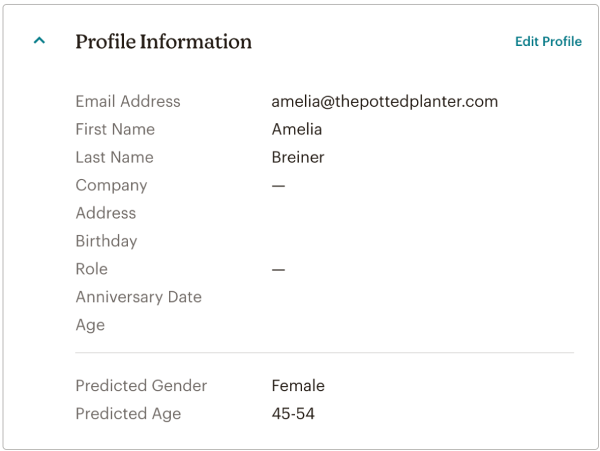
Once imported, spot‑check a handful of contacts to confirm:
- Tags and custom fields are present.
- Subscription status looks correct.
- Recent activity (opens/clicks) is reflected where you need it.
At this point you have the foundation of your new HighLevel database. If you’d like experts to design your tagging and segmentation strategy instead of lifting Mailchimp’s structure 1:1, Revset Labs can do that for you while the import is running.
If you haven’t created your HighLevel account yet, this is the right moment: Launch your GoHighLevel free trial and follow along.
3. Migrate Forms and Landing Pages
3.1 Rebuild forms in HighLevel
Forms are often the first thing to break in a migration. In HighLevel:
- Go to Sites → Forms and create a new form for each active Mailchimp form.
- Recreate fields and validation rules (required fields, formats, consent checkboxes).
- Set submission actions, such as:
- Add tag(s)
- Add to workflow
- Add to pipeline/stage
Match each form’s behavior from Mailchimp, but take advantage of HighLevel’s CRM actions where it makes sense (for example, automatically creating an opportunity when a demo form is submitted).
3.2 Rebuild landing pages and opt‑in funnels
For each high‑value page in Mailchimp:
- Open the original page and note the layout, copy, and form.
- In HighLevel go to Sites → Funnels or Sites → Websites.
- Rebuild the page using a HighLevel template or a blank canvas.
- Connect the correct HighLevel form you created in the previous step.
- Map the form submission to the right workflow and pipeline stage.
Use this as a moment to tighten your offer and copy. A small upgrade in clarity can significantly improve opt‑in and conversion rates.
Revset Labs frequently pairs migrations like this with a conversion‑rate optimization pass—reviewing your offers, layout, and messaging while everything is being rebuilt.
4. Recreate Email Campaigns and Automation Workflows
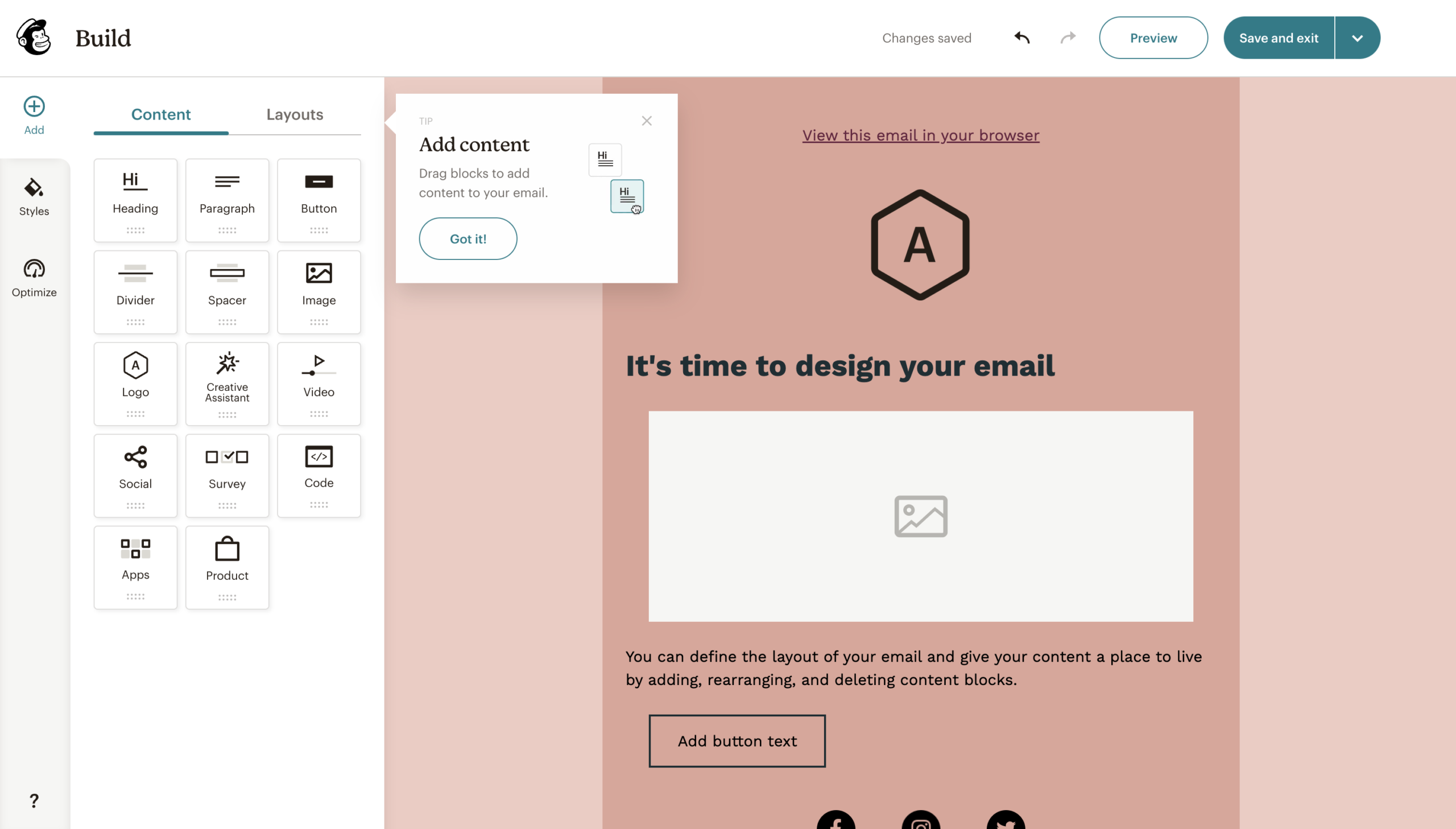
4.1 Recreate email templates and campaigns
HighLevel makes it easy to replicate and improve your Mailchimp emails:
- Go to Marketing → Emails → Templates.
- Choose a modern template or start from scratch.
- Rebuild the design:
- Reuse your brand fonts and colors.
- Paste in email copy from Mailchimp, then tighten and update it.
- Replace generic links with updated HighLevel funnels.
- Insert HighLevel’s merge fields (e.g.
{{contact.first_name}}) for personalization. - Add compliant unsubscribe and manage preferences links.
Once templates are ready, set up your key recurring campaigns (newsletters, promos, product updates) as saved templates you can reuse.
4.2 Rebuild automation workflows in HighLevel
For each Mailchimp automation you plan to keep:
- Go to Automations → Workflows in HighLevel.
- Choose a compatible workflow recipe or start with a blank workflow.
- Recreate the logic:
- Trigger (form submission, tag added, pipeline stage change, purchase event, etc.)
- Sequence of emails and SMS
- Delays, conditions, and goal steps
- Add CRM‑level actions Mailchimp never had, such as:
- Creating tasks for your team
- Moving opportunities between pipeline stages
- Updating custom fields based on engagement
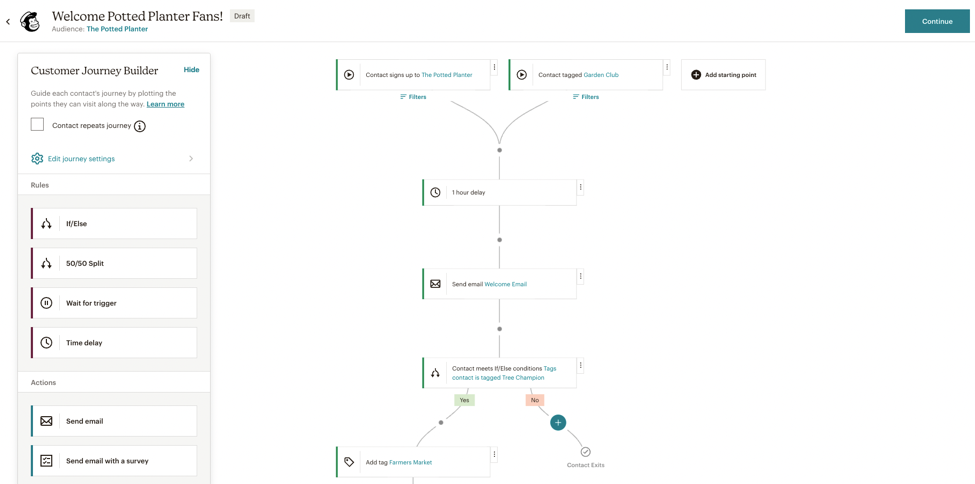
Test each workflow with a dummy contact before turning it on. Confirm that emails and SMS send correctly, contacts exit workflows as expected, and goals are tracked.
This is where HighLevel really pulls away from Mailchimp: instead of “just email,” you’re orchestrating the entire customer journey from a single workflow builder.
If designing these workflows feels overwhelming, Revset Labs can help you translate old Mailchimp automations into cleaner, more scalable HighLevel journeys.
5. Set Up Integrations, Tracking, and Reporting
5.1 Reconnect key integrations
Anything that used to talk to Mailchimp now needs to talk to HighLevel.
In HighLevel, under Settings → Integrations:
- Reconnect payment gateways where relevant.
- Reconnect scheduling tools, form tools, or other lead sources.
- Rebuild any Zapier or Make scenarios so the destination app is now HighLevel, not Mailchimp.
Where possible, reduce your dependency on third‑party glue. Many flows you previously handled with Zapier can now run natively inside HighLevel workflows.
5.2 Set up tracking and analytics
Make sure you can see before/after performance once you turn Mailchimp off.
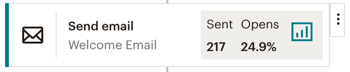
- Enable HighLevel’s built‑in email analytics, funnel reports, and attribution.
- Add any Google Analytics, Tag Manager, or Meta Pixel scripts under Settings → Tracking in HighLevel.
- Tag key funnels and offers so you can track revenue by source and campaign.
When you sign up for GoHighLevel via this affiliate link, you get the same platform but also support Revset Labs’ ongoing work creating playbooks like this.
6. Run Final Checks and Train Your Team
6.1 Validate data and journeys
Before you shut Mailchimp off, run through a structured QA checklist:
- Contacts & tags – Randomly sample records to ensure tags, custom fields, and consent status look right.
- Forms & pages – Submit each important form and confirm:
- The contact is created or updated correctly.
- Tags/workflows/pipeline stages fire as intended.
- Emails & SMS – Trigger each key workflow and validate message content, links, and timing.
- Attribution & reporting – Confirm new leads and conversions show up correctly in HighLevel reports.
6.2 Train your team on HighLevel
A migration fails when the team keeps thinking in “Mailchimp first” terms.
- Host a short internal training on how HighLevel is structured (accounts, sub‑accounts, contacts, opportunities, workflows).
- Walk through your core funnels and show how leads move from opt‑in → nurture → sales.
- Give your sales and support teams a quick tour of the CRM views so they know where to work.
Revset Labs often runs this as a live handoff workshop so your team leaves with confidence and a clear playbook.
7. Decommission Mailchimp Safely
7.1 Run both systems in parallel (briefly)
For a short transition period (often 1–2 weeks):
- Keep Mailchimp active but stop building anything new there.
- Monitor new leads and campaigns in HighLevel.
- Confirm that no critical flows are still relying on Mailchimp.
7.2 Take a final backup and cancel
Once you’re confident that HighLevel is doing everything Mailchimp used to do—plus more:
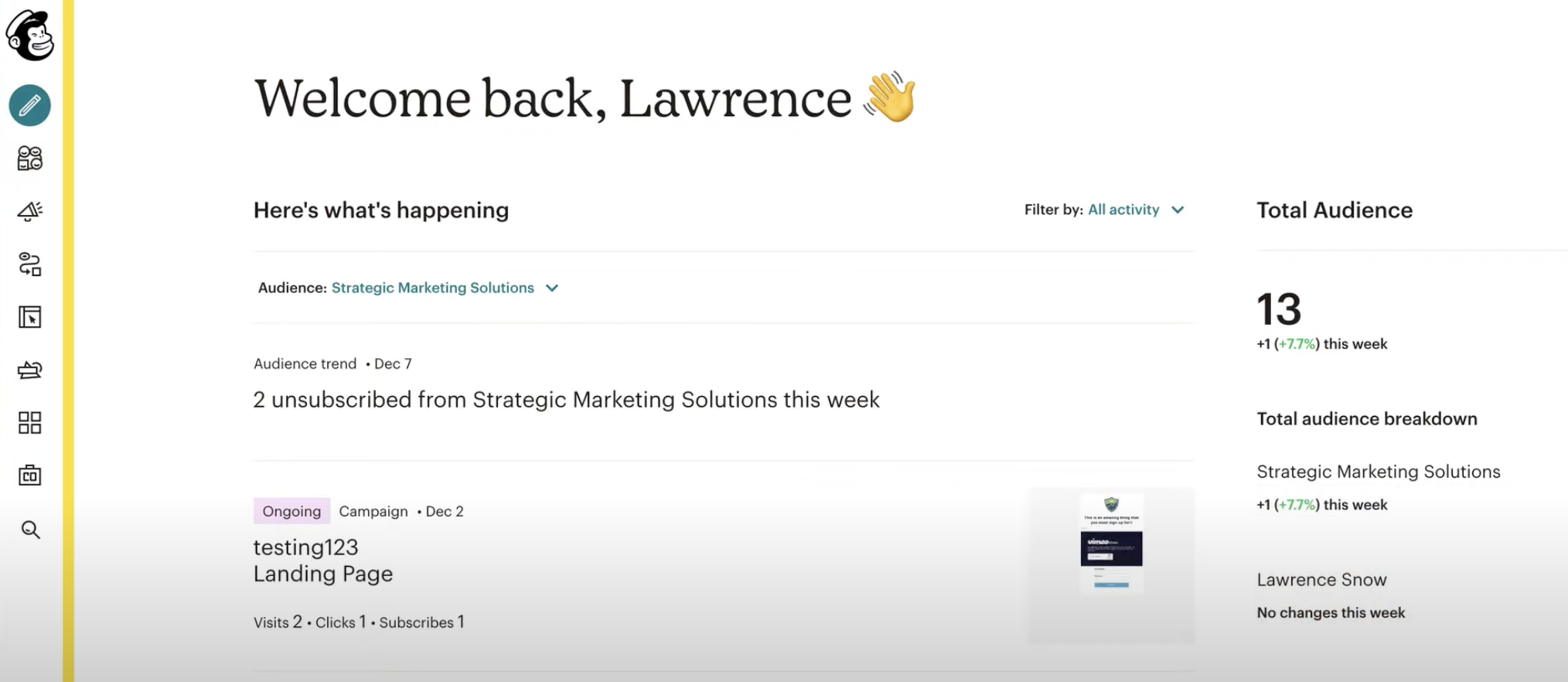
- Take a final backup of audiences and reports from Mailchimp.
- Document anything you intentionally left behind.
- Follow Mailchimp’s cancellation steps to close out your account.
From here on, all list growth, campaigns, and automations should be run through HighLevel.
When to Bring in Revset Labs
If you:
- Have complex Mailchimp automations tied to revenue.
- Want to redesign funnels, not just copy/paste them.
- Prefer to have specialists own the architecture and QA.
…Revset Labs can handle the entire Mailchimp → HighLevel migration for you—auditing your current setup, designing a conversion‑focused HighLevel architecture, and implementing the workflows, funnels, and reporting you need.
Whether you implement this guide yourself or lean on Revset Labs, the combination of a well‑planned migration and HighLevel’s all‑in‑one platform will give you a cleaner, more scalable marketing engine than you had in Mailchimp.