
Migrating from HubSpot to GoHighLevel is a chance to simplify your tech stack, cut costs, and centralize CRM, marketing automation, and revenue operations into a single platform.

This guide walks you step by step through the move so you don’t lose data, break automations, or stall active campaigns along the way.
Who this migration guide is for
This guide is designed for:
- Agencies moving their own operations or client accounts off HubSpot
- In‑house marketing and RevOps teams who own HubSpot today
- Founders who want to consolidate tools and run everything from GoHighLevel
By the end, you’ll know exactly how to:
- Audit your existing HubSpot setup
- Migrate CRM data, deals, and pipelines into GoHighLevel
- Rebuild key workflows and automations
- Recreate key marketing assets (emails, forms, funnels, pages)
- Re‑enable communication (email, SMS, calling)
- Go live safely and decommission HubSpot
If you want a done‑for‑you implementation, Revset Labs – an AI automation and marketing agency – can take this entire migration off your plate and implement it directly inside GoHighLevel.
If you’re not yet on GoHighLevel, you can start a free trial here: Get started with GoHighLevel.
1. Preparation for migration
Before you touch any data, get clear on what you’re migrating and why. A short prep phase saves days of rework later.
1.1 Review your current HubSpot setup
Create a quick inventory of how you’re using HubSpot today:
- CRM objects – Contacts, Companies, Deals, Tickets, custom objects
- Pipelines – Sales pipelines, onboarding pipelines, renewals
- Workflows & automations – Nurture sequences, lifecycle stages, lead routing, task creation, internal notifications
- Marketing assets – Email campaigns, newsletters, landing pages, forms, pop‑ups, CTAs
- Communication tools – Email sending domains, SMS (if connected), calling, chat widgets, meeting links
- Billing & products – Product catalog, quotes, invoices, payment links
Capture this in a simple spreadsheet or doc. For each item, note:
- Whether it’s still in use
- The business owner (sales, marketing, support, ops)
- Any critical dependencies (e.g., a form that feeds a key pipeline)
This inventory tells you what must be migrated 1:1 and what can be simplified in GoHighLevel.
1.2 Define migration goals and scope
Next, define what “success” looks like for the move.
Common migration goals:
- Reduce total SaaS spend by consolidating HubSpot + other tools into GoHighLevel
- Unify CRM, funnels, and automations into one platform
- Get better visibility on deals, campaigns, and ROI
- Make it easier for non‑technical team members to launch campaigns
Clarify:
- Which business units or brands are moving first
- Which features are must‑have on day one (for example, sales pipeline + core automations) vs. what can be phased in
- Any hard deadlines (trial expiry, contract end, launch dates)
This becomes your migration roadmap and helps you sequence work inside GoHighLevel.
1.3 Back up HubSpot data
Before you move anything:
- Export Contacts and Companies as CSVs
- Export Deals (by pipeline) and any relevant Ticket data
- Export lists, workflows, email performance, and key analytics you may want for historical reporting
- Download copies of critical email templates, landing pages, and forms
Store these backup files in a shared folder. Even if something goes wrong, you’ll always have a clean copy of your HubSpot data.
Tip: Use this export as a chance to clean your database. Remove obvious duplicates, bounced emails, and stale contacts so you start fresh in GoHighLevel.
If you don’t already have a GoHighLevel account, create one now so you can import data into a dedicated sub‑account:
- Sign up here: Start a free GoHighLevel trial
Revset Labs can also help you design the right sub‑account structure (by brand, region, or client) so your migration scales long‑term.
2. Migrate CRM data into GoHighLevel
Once your prep is done, you’re ready to move the core CRM data. The goal is to rebuild your contact and deal structure inside GoHighLevel without losing important context.
2.1 Export CRM data from HubSpot
From HubSpot, export the following as CSV files:
- Contacts & Companies – Navigate to Contacts > Contacts and Companies
- Deals & Pipelines – Go to Sales > Deals; export per pipeline if needed
- Tickets – If you use tickets for support or onboarding, export those too
- Products & invoices – Export your product catalog and any invoice data you want to reference
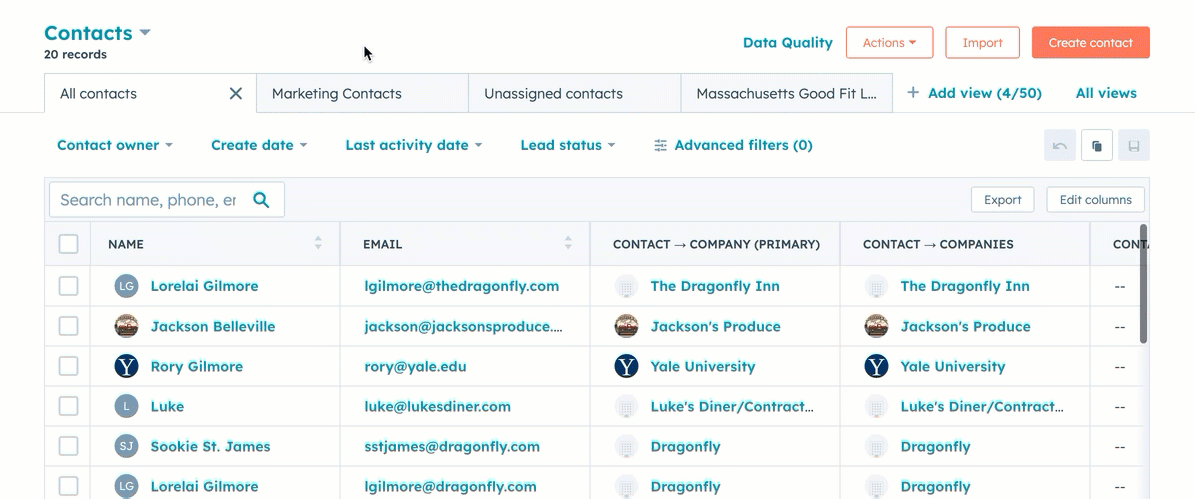
Make sure your exports include:
- Primary identifiers (email, company domain)
- Lifecycle stage, lead status, and owner
- Key segmentation fields (industry, source, region, etc.)
2.2 Import data into GoHighLevel
In your GoHighLevel sub‑account:
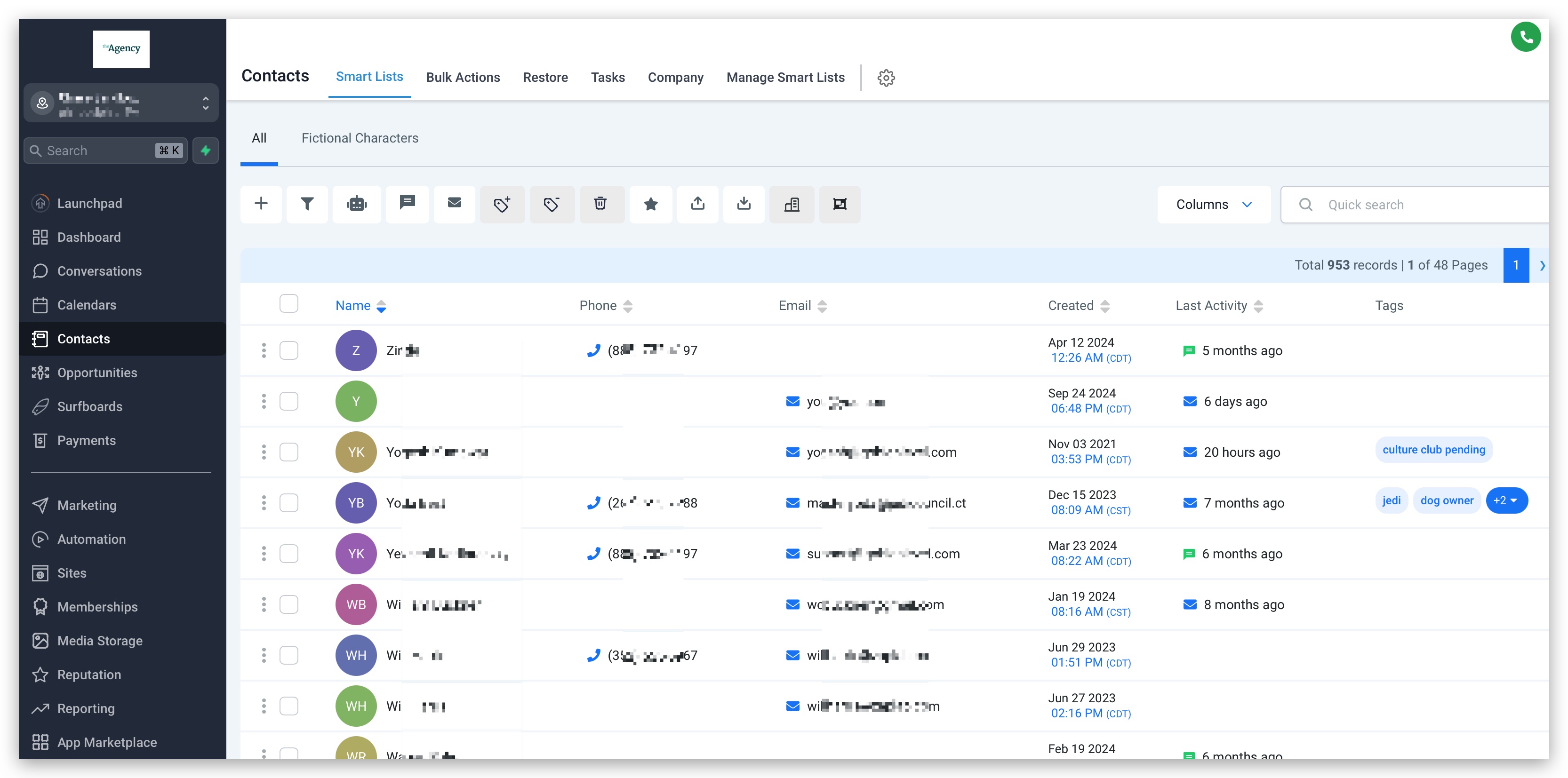
- Go to Contacts > Smart Lists > Import Contacts
- Upload your CSV files
- Map fields from HubSpot to GoHighLevel:
- First Name, Last Name, Email, Phone
- Company / Organization
- Tags (for lifecycle stages, lead status, segments)
- Create custom fields in GoHighLevel for any important HubSpot properties you want to keep.
For Deals and pipelines:
- Go to Opportunities > Pipelines
- Recreate your core pipelines and stages (for example, New Lead, Qualified, Proposal Sent, Closed Won)
- Import or manually create Opportunities, attaching them to the right contacts/companies
For Products and billing:
- Go to Payments > Products in GoHighLevel to recreate your product catalog
- Use invoices and payment links in GoHighLevel going forward so new revenue is tracked natively
If you’d like someone else to handle the heavy lifting, Revset Labs can set up your pipelines, custom fields, and imports so your team logs in to a clean, production‑ready GoHighLevel account.
3. Rebuild workflows and automations
With your CRM data in place, the next step is to rebuild your key automations in GoHighLevel.
3.1 Inventory existing HubSpot workflows
From your earlier audit, identify:
- Lead capture → nurture workflows
- Sales follow‑up sequences (for example, after demo booked, proposal sent)
- Onboarding and customer success journeys
- Internal workflows (task creation, notifications, lead routing)
For each workflow, document:
- The trigger (form submission, list membership, deal stage change, etc.)
- The actions (send email, wait, update property, create task)
- Any branching logic (if / then conditions)
3.2 Recreate workflows in GoHighLevel
In GoHighLevel:
- Go to Automation > Workflows
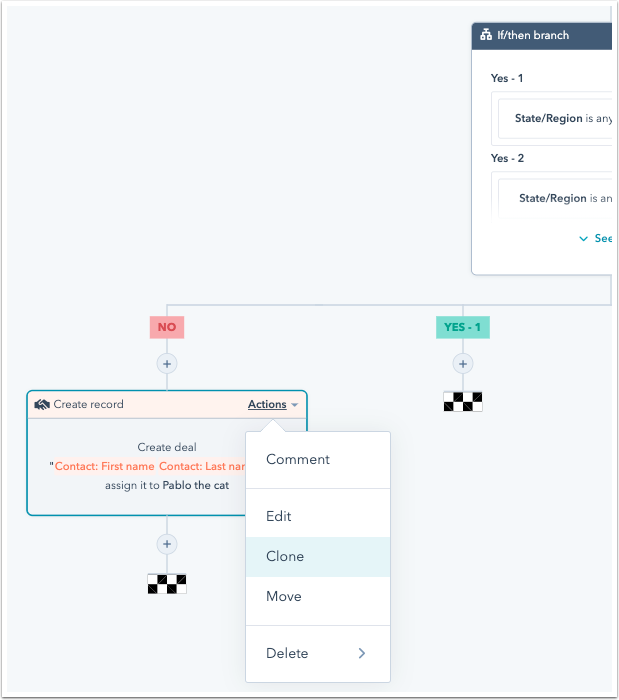
- Create a new workflow for each high‑value journey
- Choose a trigger equivalent to your HubSpot trigger:
- Form submitted
- Tag added
- Pipeline stage changed
- Appointment booked
- Rebuild your actions:
- Send email or SMS
- Add/remove tags
- Move Opportunity to a different stage
- Create a task for a sales rep
- Add to another workflow for multi‑step journeys
GoHighLevel is especially powerful when you combine CRM and funnels. You can, for example:
- Trigger automations from funnel step completions
- Fire off internal alerts when a lead hits a key page
- Move Opportunities between pipelines based on user behavior
To see what this looks like in practice, spin up a free GoHighLevel trial here: Launch your GoHighLevel workflows.
3.3 Test and optimize automations
Before you go live:
- Run test contacts through each workflow
- Confirm emails and SMS send correctly
- Verify tags, opportunities, and custom fields update as expected
- Check timing (delays, wait steps) so you’re not over‑messaging leads
Once live, monitor:
- Reply and open rates
- Pipeline movement
- Drop‑off points in your journeys
Revset Labs can help you redesign legacy HubSpot workflows into leaner, AI‑assisted automations inside GoHighLevel so you get more revenue from fewer touches.
4. Migrate marketing campaigns and assets
You now have data and automations in place. Next: bring your marketing assets across so campaigns continue without interruption.
4.1 Recreate email campaigns and templates
From HubSpot:
- Export or copy your email templates (HTML or visual layouts)
- Note which emails belong to which journeys (newsletters vs. nurture vs. transactional)
In GoHighLevel:
- Go to Marketing > Emails
- Rebuild or import your core templates using the drag‑and‑drop builder
- Organize templates by campaign or funnel so your team can find them quickly
- Connect them back into your workflows (for example, Nurture Sequence, Onboarding Sequence)
Consider this a chance to:
- Refresh copy and design
- Add clearer CTAs (for example, book a call, start a trial, claim an offer)
- Improve mobile readability and deliverability
4.2 Rebuild landing pages, funnels, and forms
From HubSpot, gather:
- URLs and screenshots of your best‑performing landing pages
- Form field structures and confirmation steps
- Any key thank‑you pages with upsells or next actions
In GoHighLevel:
- Go to Sites > Funnels & Websites
- Recreate your landing pages using existing templates or build from scratch
- Rebuild forms under Sites > Forms and embed them into your funnels or website
- Connect form submissions to the right workflows and pipelines
This is where GoHighLevel shines: you can connect funnels, CRM, and automations in a single place instead of stitching tools together.
4.3 Campaign Settings
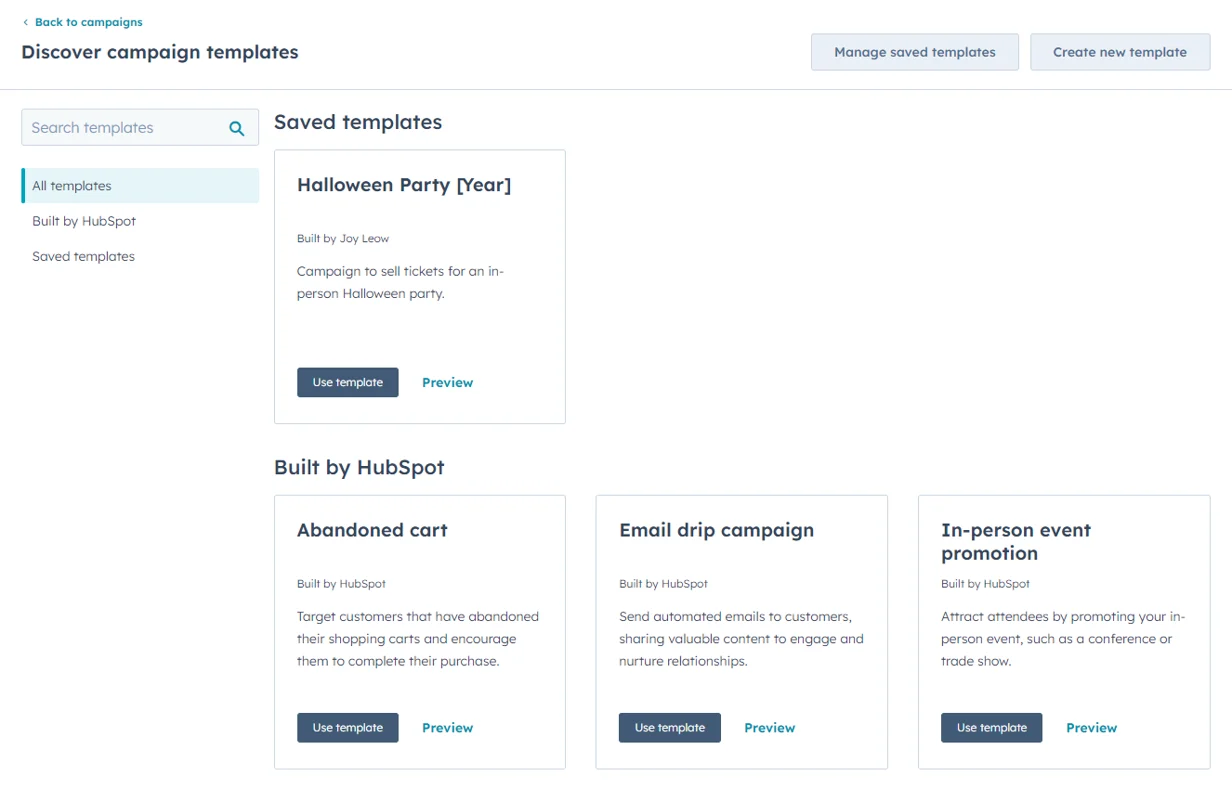
Configure Campaigns: Set up your campaigns in HighLevel, ensuring that all assets (emails, landing pages, forms) are linked. Assign specific goals, budgets, and tracking settings as needed.
If you want to go beyond a 1:1 rebuild, Revset Labs can redesign your funnels and forms around a clearer revenue strategy – not just a technical migration.
5. Migrate communication tools
You’ve moved your data and campaigns. Now you need to make sure your team can still talk to leads and customers.
5.1 Set up email and SMS sending in GoHighLevel
In GoHighLevel settings:
- Configure your email service (for example, Mailgun or other supported providers)
- Authenticate your sending domains (SPF, DKIM, DMARC)
- Set up SMS via Twilio or another supported provider
Once configured, send test messages to:
- Validate deliverability
- Confirm branding (from name, reply‑to address)
- Check that replies route back to the right inboxes or conversations
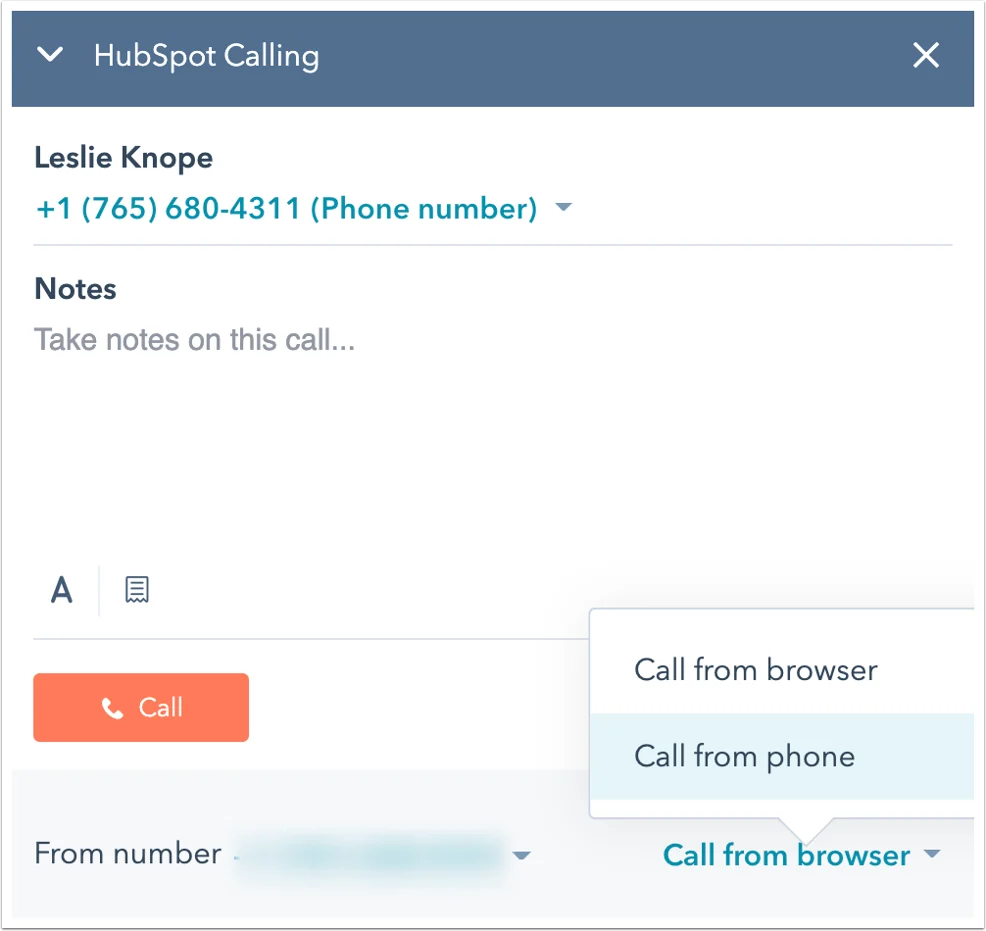
5.2 Recreate calling, chat, and other channels
Depending on what you used in HubSpot, you can set up in GoHighLevel:
- Phone numbers and call routing
- Live chat widgets and website chat
- Google Business Messages or Facebook/Instagram messaging
Connect these channels to the correct pipelines and workflows so inbound conversations create or update Opportunities automatically.
5.3 Setup Conversations Inbox
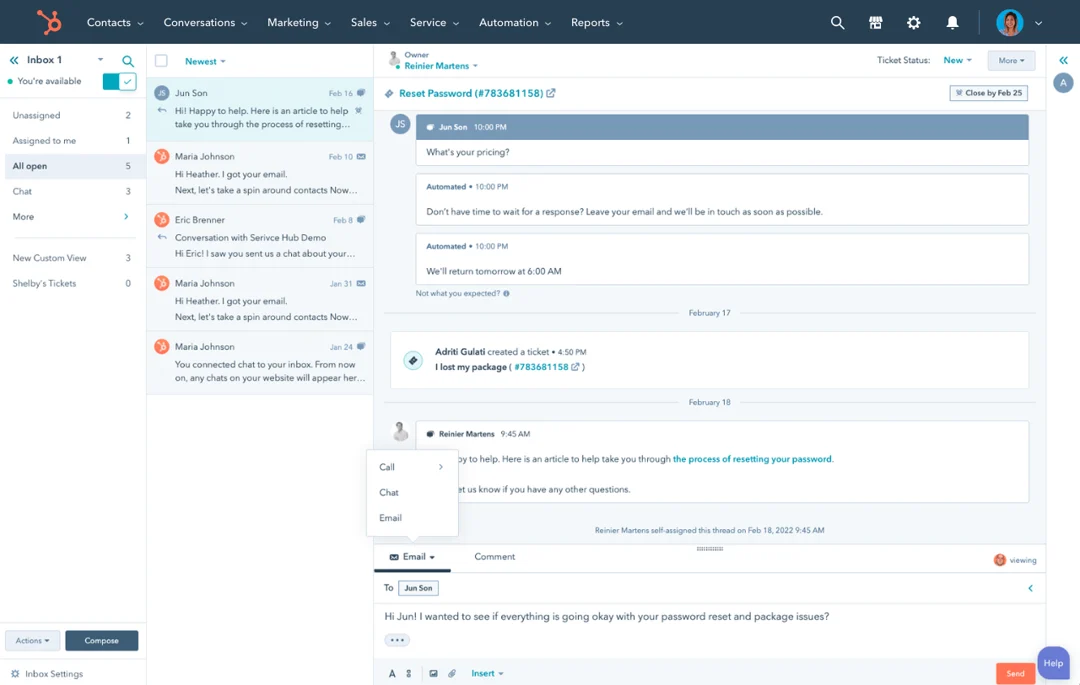
Configure Inbox: In HighLevel, navigate to Conversations > Inbox. Set up your default inbox and connect communication channels such as email, SMS, and Facebook Messenger.
Test Communication Channels: Ensure all channels are functioning correctly and that messages are properly routed to the appropriate inbox.
6. Final checks, training, and optimization
At this stage, your GoHighLevel account should be functionally ready. Now you tighten the screws.
6.1 Validate data and journeys
Work through this checklist:
- Spot‑check contact records to confirm fields, tags, and notes imported correctly
- Confirm total contact and deal counts roughly match HubSpot exports
- Test every major workflow from trigger to final action
- Click through key funnels to ensure tracking, forms, and thank‑you steps work
6.2 Train your team on GoHighLevel
Host a short internal training covering:
- Where to view and manage contacts & Opportunities
- How to work their pipeline daily
- How to launch or pause campaigns
- Where to see reporting and attribution
Share a simple internal SOP for:
- Logging calls and notes
- Updating stages
- Tagging contacts
If you’d like a done‑for‑you enablement package, Revset Labs can document your new GoHighLevel setup, build SOPs, and train your team so adoption sticks.
6.3 Monitor and iterate
For the first 30–60 days after migration:
- Watch reply rates, show‑up rates, and close rates
- Track where leads are dropping out of funnels
- Adjust automation timing, content, and targeting
Because GoHighLevel centralizes so much of your stack, each optimization cycle compounds faster than it did in a fragmented HubSpot + "tool zoo" setup.
7. Decommission HubSpot safely
When you’re confident GoHighLevel is running your core processes reliably, you can phase HubSpot out.
7.1 Run both systems in parallel (short term)
For 1–4 weeks, consider:
- Keeping HubSpot live while GoHighLevel runs in production
- Comparing new lead flow and revenue numbers across both systems
- Double‑checking that no critical workflows still live only in HubSpot
7.2 Take a final backup and cancel HubSpot
Before canceling HubSpot:
- Export a final backup of contacts, deals, and key reports
- Capture any legacy data you might want for long‑term analysis
Then follow HubSpot’s official cancellation process.
7.3 Post‑migration review
Once fully live on GoHighLevel:
- Document what went well and what you’d change next time
- Clean up any leftover custom fields or unused assets in GoHighLevel
- Plan your next round of improvements (new funnels, offers, or automations)
8. Next steps: Get more from GoHighLevel
A clean migration is just the starting point. The real upside comes from what you build on top of GoHighLevel.
Here are three high‑impact next steps:
-
Tighten your lead capture and follow‑up
Build multi‑channel follow‑up (email + SMS + calls) that automatically adapts based on behavior. -
Productize your services or offers
Use GoHighLevel funnels, membership areas, and automations to turn your expertise into repeatable, scalable products. -
Layer in AI‑driven workflows
Combine GoHighLevel with AI prompts and tools to triage leads, qualify opportunities, and personalize outreach.
Revset Labs specializes in exactly this: turning your GoHighLevel account into a revenue engine – not just a CRM replacement. If you want a partner to design and implement these systems, we can help.
Ready to see what GoHighLevel can do for your pipeline and campaigns? Try GoHighLevel.