
HighLevel Listings: Fix Local SEO From Inside GoHighLevel
Local SEO breaks quietly.

Your Google Business Profile says one thing, Yelp says another, an old directory still has your previous address, and Apple Maps is convinced you close at 5 pm even though you’ve been open until 7 for months.
To customers and search engines, that inconsistency looks like a business they can’t fully trust.
HighLevel Listings solves that by giving you one place inside GoHighLevel where you manage your business data and sync it out to 70+ directories, maps, and apps. Instead of chasing random logins, you update your Name, Address, Phone (NAP), hours, and website once—and let Listings handle the heavy lifting.
If you’re not already using GoHighLevel, you can spin up an account and follow along with this guide by starting a trial here: Start your GoHighLevel trial.
In this guide, Revset Labs (an AI Automation and Marketing Agency) will walk you through what HighLevel Listings is, how it works, and exactly how to turn it into a simple, profitable local SEO offer for your business or agency.
What Is HighLevel Listings (and Why It Matters for Local SEO)?
HighLevel Listings is a local SEO and online presence tool that lives inside your GoHighLevel account. It connects your core business profile in HighLevel to a network of directories so you can:
- Keep your NAP (name, address, phone) perfectly consistent.
- Push accurate hours, website URLs, categories, and descriptions everywhere.
- Quickly correct old or duplicate information.
- Protect your brand from bad data and random public edits.
Instead of logging into Google, Bing, Yelp, and dozens of niche sites one by one, you centralize everything in one dashboard. HighLevel handles the syncing and status tracking behind the scenes.
For local businesses, that consistency is one of the strongest signals you can send to search engines. Clean citations make it easier for Google to trust that you’re a real, active business in a specific area—which is exactly what you need to rank in the local pack and maps.
For agencies, Listings turns into a clear, repeatable deliverable you can sell: “We’ll clean up and manage your business listings across 70+ sites, all from one place.”
Key Benefits of HighLevel Listings for Local Businesses and Agencies
HighLevel partnered with a listings network so you don’t have to stitch your own together. Here’s what that looks like in practice.
1. Consistent data across 70+ directories
When your business details are out of sync, a few things happen:
- Customers get confused—“Are they still open? Is that the right number?”
- Search engines lose confidence in your data.
- Competing businesses with cleaner listings outrank you.
HighLevel Listings lets you control your data centrally so your:
- Business name
- Address and map pin
- Primary and secondary phone numbers
- Website URL
- Hours, categories, and descriptions
match everywhere that matters.
2. Faster local SEO wins without technical SEO work
Local SEO isn’t only about keywords and backlinks. It’s also about citations—accurate mentions of your NAP across the web.
Listings gives you a fast path to:
- Clean up messy citations.
- Create new, high-quality citations.
- Strengthen your local authority without spending hours on manual outreach.
If you’re already using GoHighLevel for funnels, automations, and CRM, Listings becomes a natural extension: you fix visibility and credibility at the top of the funnel while your existing automations convert new leads.
3. Time savings for owners and teams
Without Listings, someone on your team has to:
- Keep a spreadsheet of every directory.
- Track which login goes to which site.
- Remember to update every listing each time your hours or offers change.
With Listings, you change your business info in one place and let the sync run. That’s especially valuable for multi-location businesses and franchises where a small change (like holiday hours) needs to roll out everywhere.
4. A ready-made add‑on offer for agencies
If you run an agency, Listings gives you an easy way to:
- Add a “Local SEO Listings Management” line item to your packages.
- Charge a predictable monthly or annual fee.
- Bundle it with review management, funnels, and automations.
Because HighLevel lets you configure pricing using Stripe in the SaaS Configurator, you can resell the Listings product at whatever markup fits your model while HighLevel handles the underlying infrastructure.
Pricing: How Much Does HighLevel Listings Cost?
HighLevel sells Listings on a subscription basis with plans typically structured as:
- Monthly plan – best for testing or short-term campaigns.
- Smart Saver (6‑month) plan – locks in savings for businesses committed to local SEO.
- Annual Advantage plan – maximum savings for long‑term use.
As an agency, you don’t have to pass those prices through directly. Instead, you can:
- Bundle Listings into a broader local SEO or “Done‑For‑You Growth System” package.
- Create your own monthly, semi‑annual, or annual tiers.
- Use Stripe subscriptions via the SaaS Configurator to handle billing and dunning.
If you’re starting from scratch with GoHighLevel, you can explore pricing and plans by signing up through this link: Explore GoHighLevel plans.
How HighLevel Listings Works Behind the Scenes
At a high level (no pun intended), Listings follows a simple flow:
-
Business data lives in GoHighLevel.
You define your official business profile—name, address, phone, hours, website, and categories—inside your GoHighLevel location. -
HighLevel Listings syncs with the network.
Listings packages that data and sends it through an integration to a network of directories and maps. -
70+ directories and maps update.
Platforms like Google, Bing, Yelp, Apple Maps, and many industry‑specific sites update their records based on your Listings data, replacing old or incorrect information. -
Local leads and calls increase.
With cleaner data and more consistent citations, you show up more often—and more prominently—when people search for what you do.
Visually, it’s the exact flow shown in the supporting graphic for this article:
Business data in GoHighLevel → HighLevel Listings sync → 70+ directories & maps → More local leads & calls.
Once this pipeline is in place, your job becomes simple: keep your core profile in GoHighLevel accurate, and Listings keeps the rest of the web in sync.
Step‑by‑Step: How to Turn On HighLevel Listings in Your Account
You enable Listings from your Agency view in GoHighLevel. Here’s the basic setup flow.
1. Activate Listings from the Marketplace
- Log in to your Agency GoHighLevel account.
- In the left sidebar, click Marketplace.
- Find Listings Manager and click Find Out More.
- Choose the plan that fits your needs and complete the activation.
Once enabled, Listings becomes available to assign to specific locations.
2. Add Listings to a client location
- From Agency view, open the Sub-Accounts/Locations list.
- Select the client location where you want Listings active.
- Within that location, you’ll see a new Listings tab on the left-hand menu once the product is applied.
- Follow the prompts to confirm the business info that should be synced.
If you’re onboarding a brand‑new client into GoHighLevel, this is an ideal time to:
- Clean their NAP and categories before syncing.
- Align their main business description with your SEO strategy.
- Make sure website URLs and tracking parameters are correct.
3. Connect key profiles (Google, Facebook, etc.)
Within the Listings dashboard you’ll be prompted to connect important profiles such as:
- Google Business Profile
- Facebook Page
- Other supported networks as required by the Listings provider
Make sure you:
- Have admin access to each profile.
- Verify that the business name and address exactly match your master record.
- Use the same primary phone number across profiles unless you’re intentionally tracking calls separately.
4. Enter and verify your master business data
Before you hit sync:
- Double‑check the name is formatted consistently (no extra keywords or location spam).
- Confirm address formatting matches postal standards for your country.
- Set a clear primary category and appropriate secondary categories.
- Review hours, including holiday or seasonal schedules.
Once you’re confident this master record is clean, you’re ready to let Listings distribute it.
What It Will Look Like
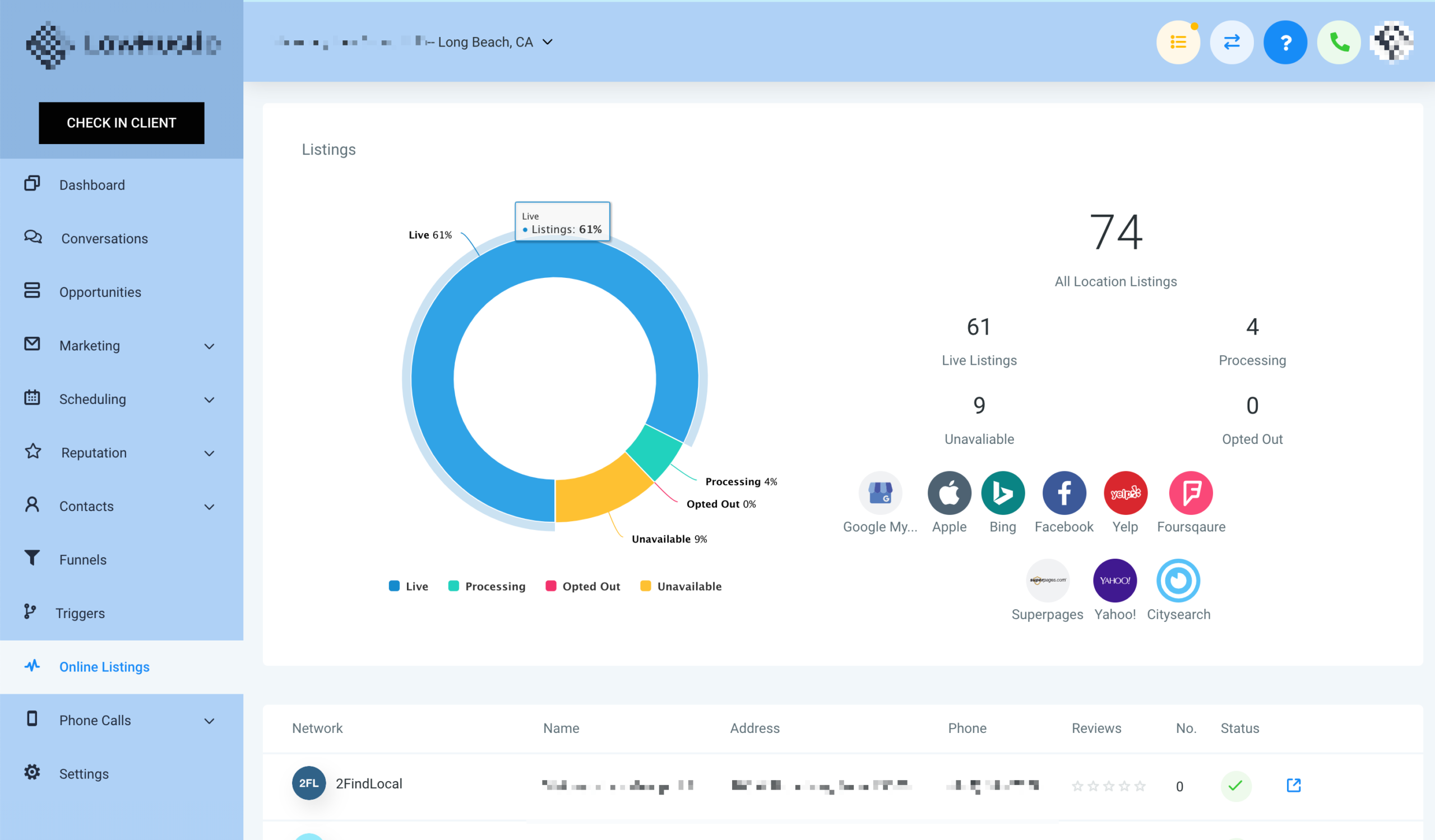
Once enabled for a location, the Listings tab on the left-hand side of the location account will look like this:
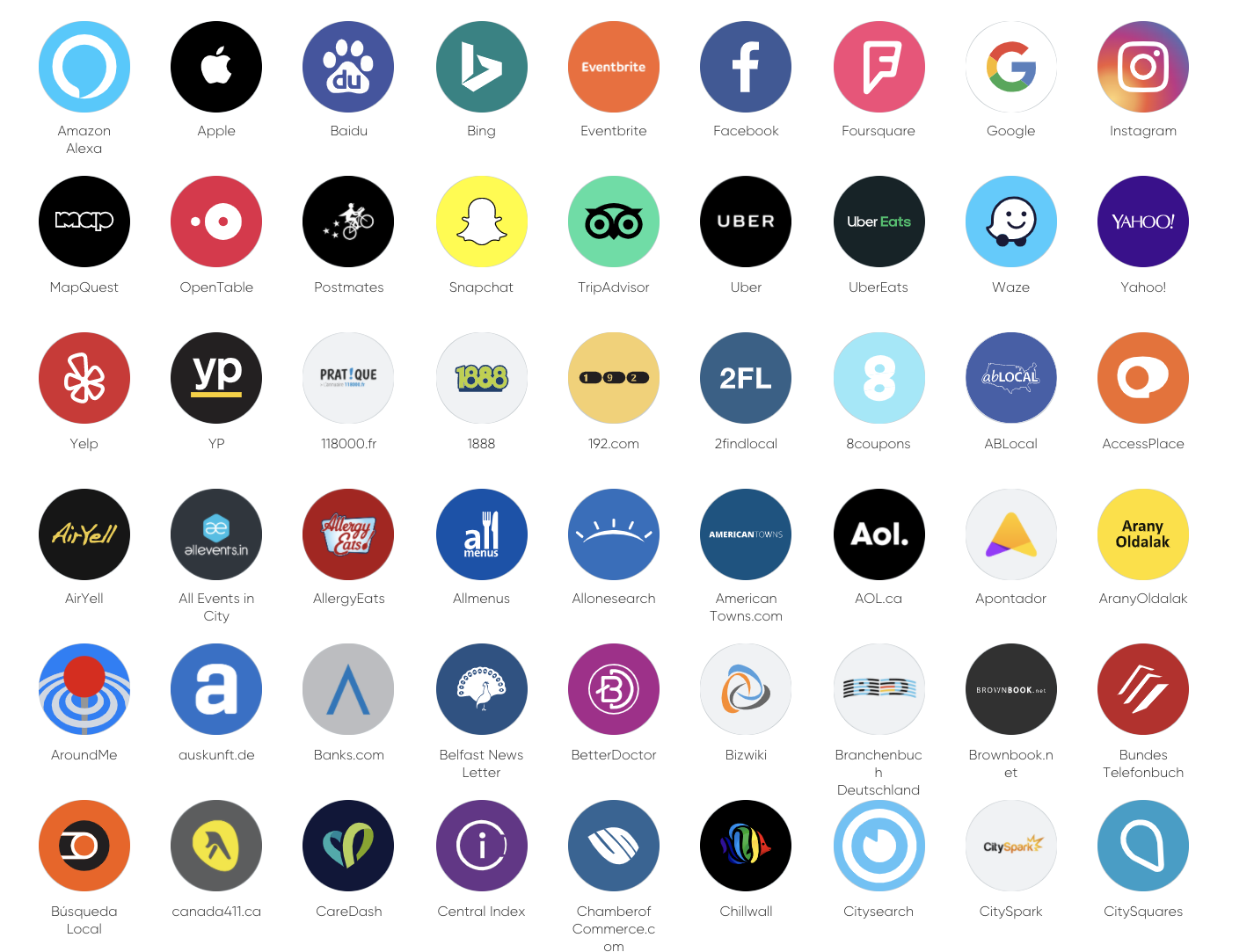
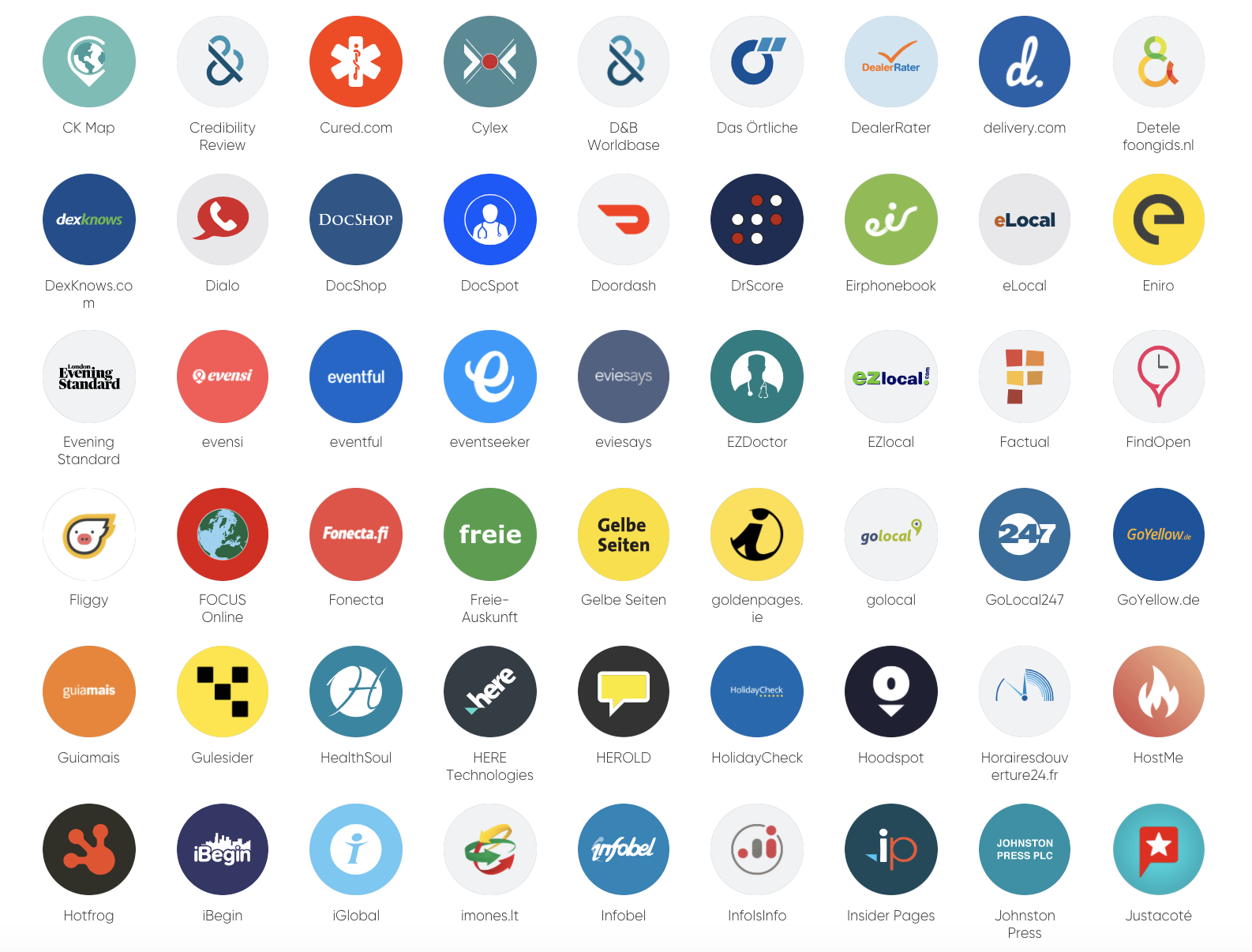
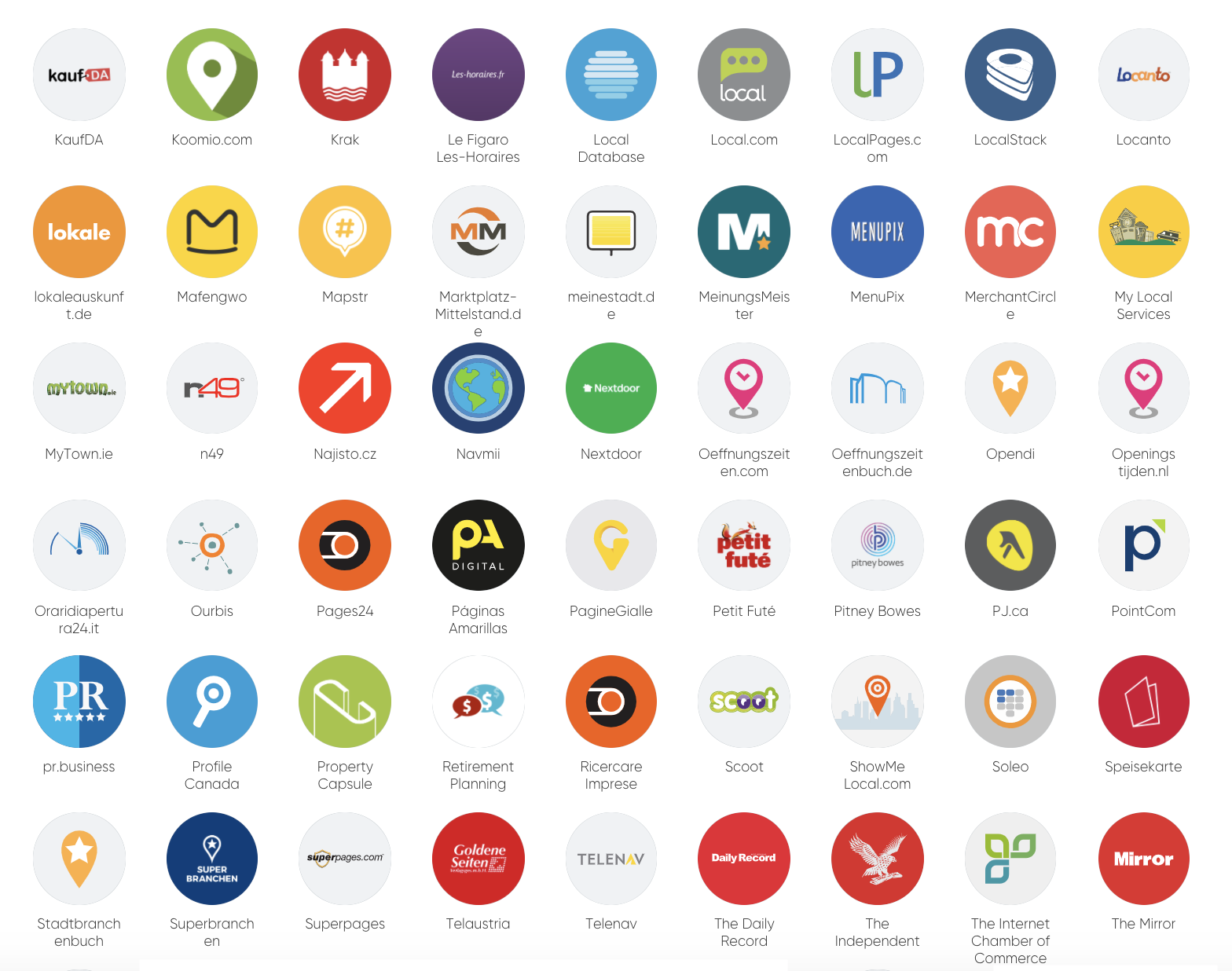
Listing Sources
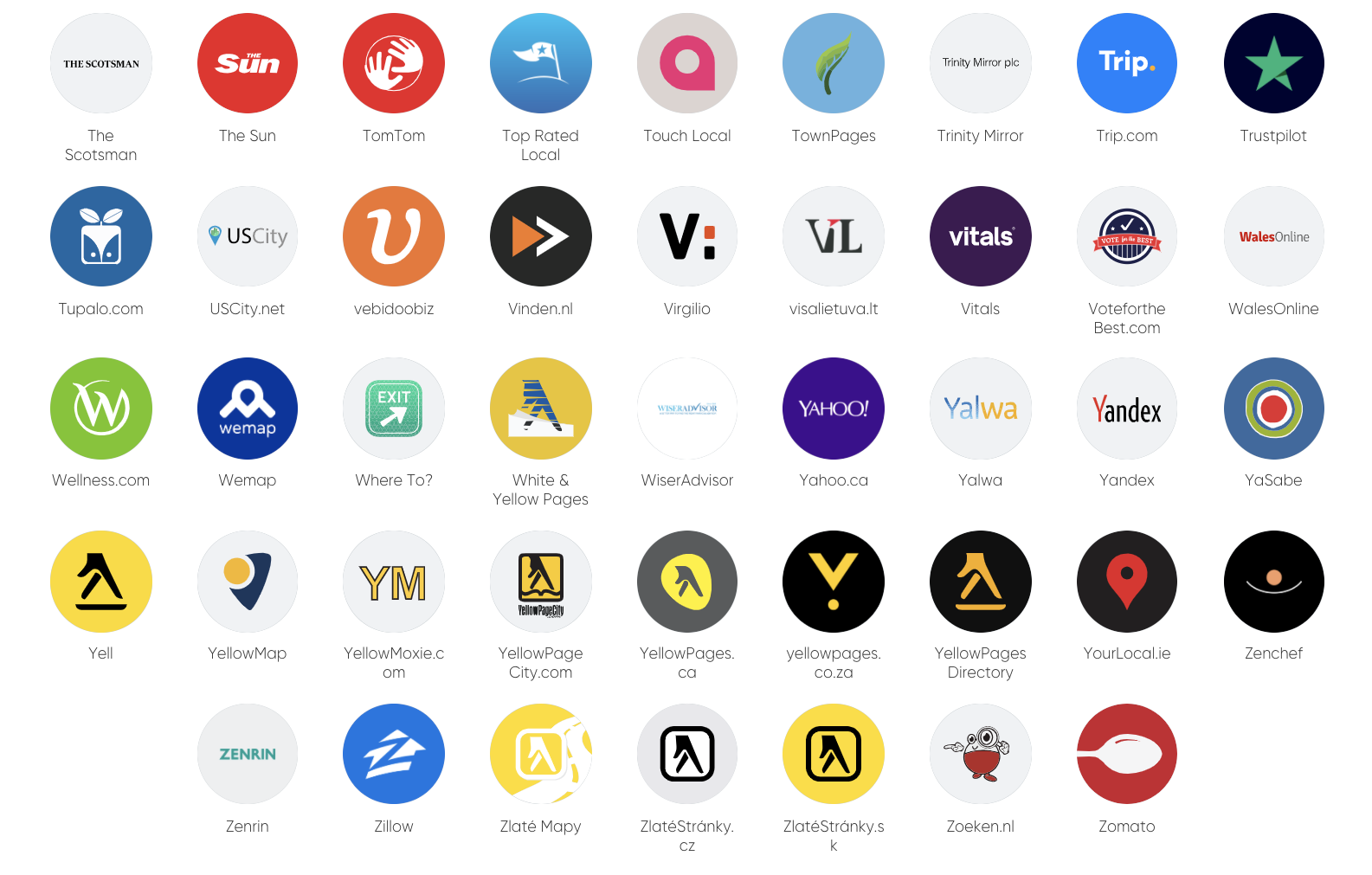
Managing Suggestions and Keeping Your Listings Clean
After your initial sync, listings networks and publishers may suggest changes based on user feedback or data they scrape from around the web.
HighLevel surfaces those in a Suggestions or similar tab so you can manage them without logging into each site.
Typical workflow:
- Open the Listings dashboard for a location.
- Go to the Suggestions section.
- For each suggestion, compare it to your master record.
- Accept suggestions that are accurate and helpful (✔️).
- Reject suggestions that are incorrect, out of date, or misleading (✖️).
Accepted changes update your master profile and then sync back across the network, so you stay in control while still benefiting from crowd‑sourced corrections.
For multi‑location brands, make suggestions review part of your monthly or quarterly operations checklist so listings never drift too far from reality.
Turning HighLevel Listings Into a Clear Offer (for Agencies)
Listings is more than a convenience feature—it’s a product you can sell.
Here’s how agencies are packaging it:
1. Lead with the outcome, not the tool
Instead of selling “Yext-powered listings” or “directory sync,” sell outcomes like:
- "Your business information will be correct everywhere customers look."
- "We’ll fix your local visibility so more people find and call you."
- "You’ll never have to update your hours in 15 different places again."
HighLevel Listings is simply the engine behind those promises.
2. Bundle with reputation and automation
Listings pairs naturally with:
- Review requests and reputation management workflows.
- Missed‑call text‑back automations.
- Local landing pages and funnels for each service or location.
- Call tracking to prove the impact of improved visibility.
By bundling these pieces together, you create a “Local Growth System” instead of a commodity citation service.
3. Use SaaS mode for clean, recurring revenue
Using GoHighLevel’s SaaS Configurator and Stripe integration, you can:
- Add Listings as an internal cost on your SaaS plan.
- Mark it up to your retail price (monthly, 6‑month, or annual).
- Let HighLevel handle billing, renewals, and failed‑payment workflows.
That keeps your margins predictable while giving clients a clear, line‑item value. If you’re just getting started with SaaS mode, you can experiment quickly by signing up here: Launch GoHighLevel with SaaS mode.
Where Revset Labs Fits In
If you’re an owner or agency operator who doesn’t want to live inside dashboards all day, Revset Labs can handle the implementation work for you.
As an AI Automation and Marketing Agency, Revset Labs can help you:
- Design the right local SEO and listings strategy for your business model.
- Configure HighLevel Listings correctly across all of your locations.
- Build automations that turn new local visitors into booked calls, appointments, and sales.
- Integrate Listings with your CRM, pipelines, and reporting so you see the full journey from search to sale.
You keep the client relationships and the upside; we handle the technical setup, systems, and ongoing optimization.
Next Steps: Fix Local SEO From Inside GoHighLevel
HighLevel Listings gives you a simple, scalable way to clean up your local presence and keep it that way.
To recap:
- Your master business record lives in GoHighLevel.
- Listings turns that into clean, consistent profiles across 70+ sites.
- Better citations lead to stronger local rankings, more map visibility, and more inbound calls.
- Agencies can package Listings into profitable, recurring local SEO offers.
From here, your action plan is straightforward:
- Make sure you have a GoHighLevel account.
- Activate Listings Manager from the Marketplace.
- Clean up your master business data and run your first sync.
- Build or refine an offer that turns better visibility into measurable revenue.
When you’re ready to go beyond tools and turn Listings into a full growth engine, Revset Labs is here to help build the automations, funnels, and reporting that make every local search count.