
You’re moving a living, breathing community — not just a few files.

When you migrate from Skool to GoHighLevel, you’re shifting your members, courses, conversations, revenue streams, and automations onto a platform that can finally live inside a single CRM and marketing engine.
This guide gives you a clear, battle-tested plan for getting that migration done with minimal friction, using HighLevel’s Skool Importer where it makes sense and rebuilding your core experiences so they’re actually better than before.
Revset Labs (an AI Automation and Marketing Agency) uses this exact approach when we migrate Skool communities into GoHighLevel for clients. Use it as your playbook — and if you want the migration handled for you, you can always bring us in to run it end‑to‑end.
1. Preparation for Your Skool → HighLevel Migration
A smooth migration starts with clarity. Before you touch any settings, get clear on what you’re moving and why.
1.1 Audit your current Skool ecosystem
Make a simple inventory of everything that actually matters today:
- Communities & groups – Which Skool groups are active? Which can be archived instead of migrated?
- Courses & products – List every course, cohort, or paid community.
- Content types – Lessons, worksheets, resource libraries, pinned posts, announcements.
- Members & segments – Free vs paid, alumni vs active cohorts, VIP customers, internal team.
- Events – Live calls, office hours, Q&A sessions, workshops.
- Automations – Onboarding sequences, reminder messages, upgrade prompts.
Capture this in a spreadsheet so you can track each asset from “exists in Skool” → “rebuilt in HighLevel”.
1.2 Clarify your migration objectives
Decide what success looks like before you migrate:
- Platform goals:
- Centralize contacts and revenue tracking in one CRM.
- Use automation to reduce manual admin (DMs, reminders, resends).
- Unlock multi-channel campaigns (email + SMS + pipeline follow‑up).
- Community goals:
- Keep engagement at least where it is now.
- Make it easier for members to find content and replays.
- Create clearer upgrade, upsell, or renewal paths.
Write this down. You’ll use it to decide what to cut, what to rebuild 1:1, and what to upgrade when you move into HighLevel.
1.3 Back up Skool before you change anything
Even with a great importer, you still want offline backups:
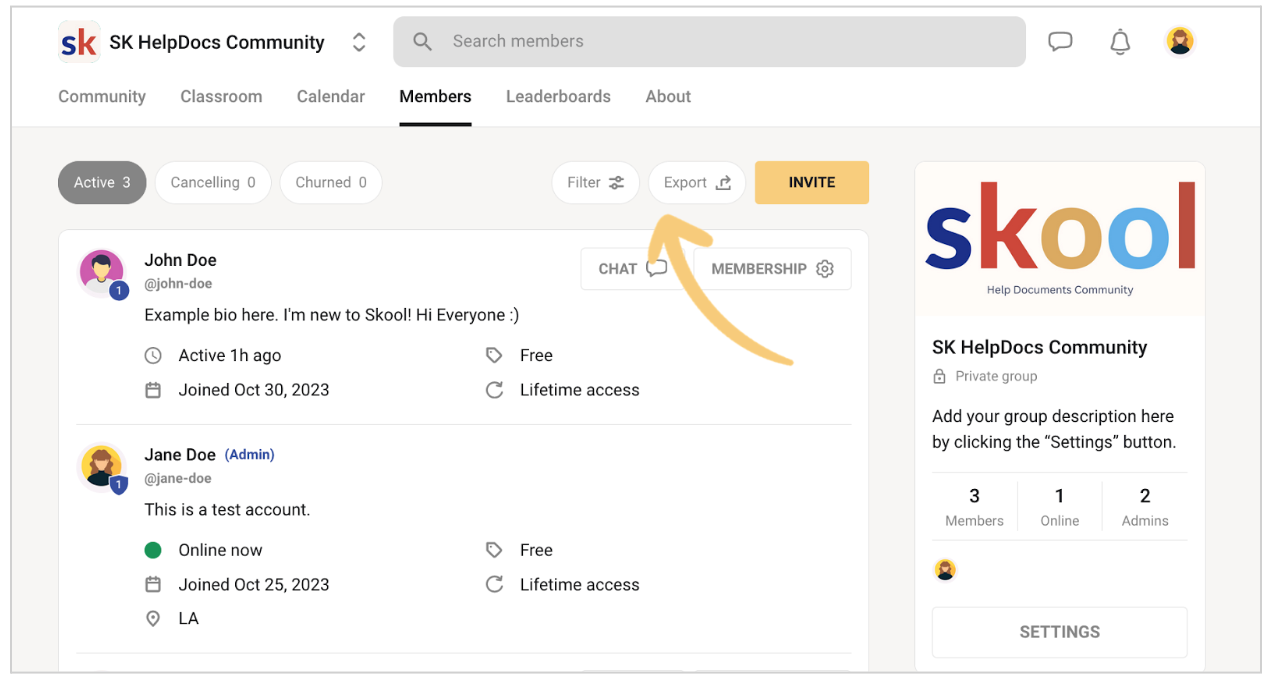
- Export member lists with emails and any relevant tags/labels.
- Export or download course outlines, lesson content, and hosted assets.
- Capture key community posts (announcements, FAQs, SOPs, rules) for later recreation.
Store these in a secure shared drive. If anything goes wrong during migration, this is your safety net.
2. Data Migration: From Skool to GoHighLevel
Now you’re ready to actually move data. The goal here is accuracy and completeness, not perfection — you’ll polish the experience in later steps.
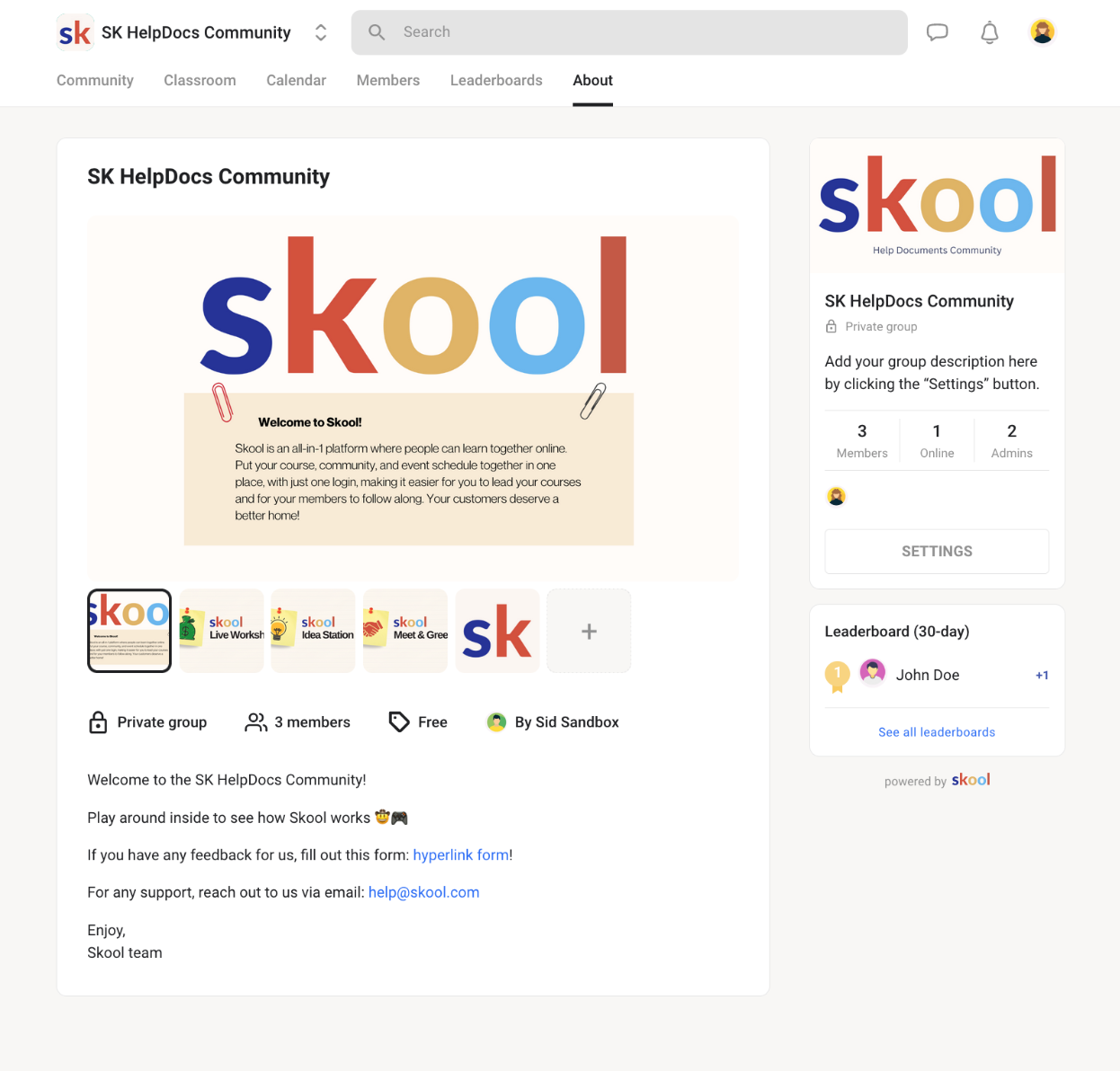
2.1 Use HighLevel’s Skool Importer for members and posts
HighLevel’s Skool Importer is the fastest way to pull over your community:
- In HighLevel, go to your Group / Community settings.
- Open the Import tab and choose the Skool option.
- Enter your Skool group slug, admin email, and password.
- Let HighLevel fetch your Skool data and generate a CSV of members.
- Download the CSV, fill in any missing emails, and clean up fields as needed.
- Upload the completed CSV into HighLevel to create contacts and community members.
- Once members are in, run the importer again to migrate community posts into your HighLevel group.
You’ll see a count of successful vs failed imports. Use this to spot:
- Members with missing or invalid emails.
- Posts tied to users you didn’t import.
- Groups you might want to sunset instead of move.
Pro tip: If you’re not yet on HighLevel, start by spinning up a fresh account just for this migration so you can test safely. You can start your free GoHighLevel trial here.
2.2 Manually export anything the importer doesn’t cover
The Skool Importer accelerates the bulk of the move, but you’ll still handle some items manually:
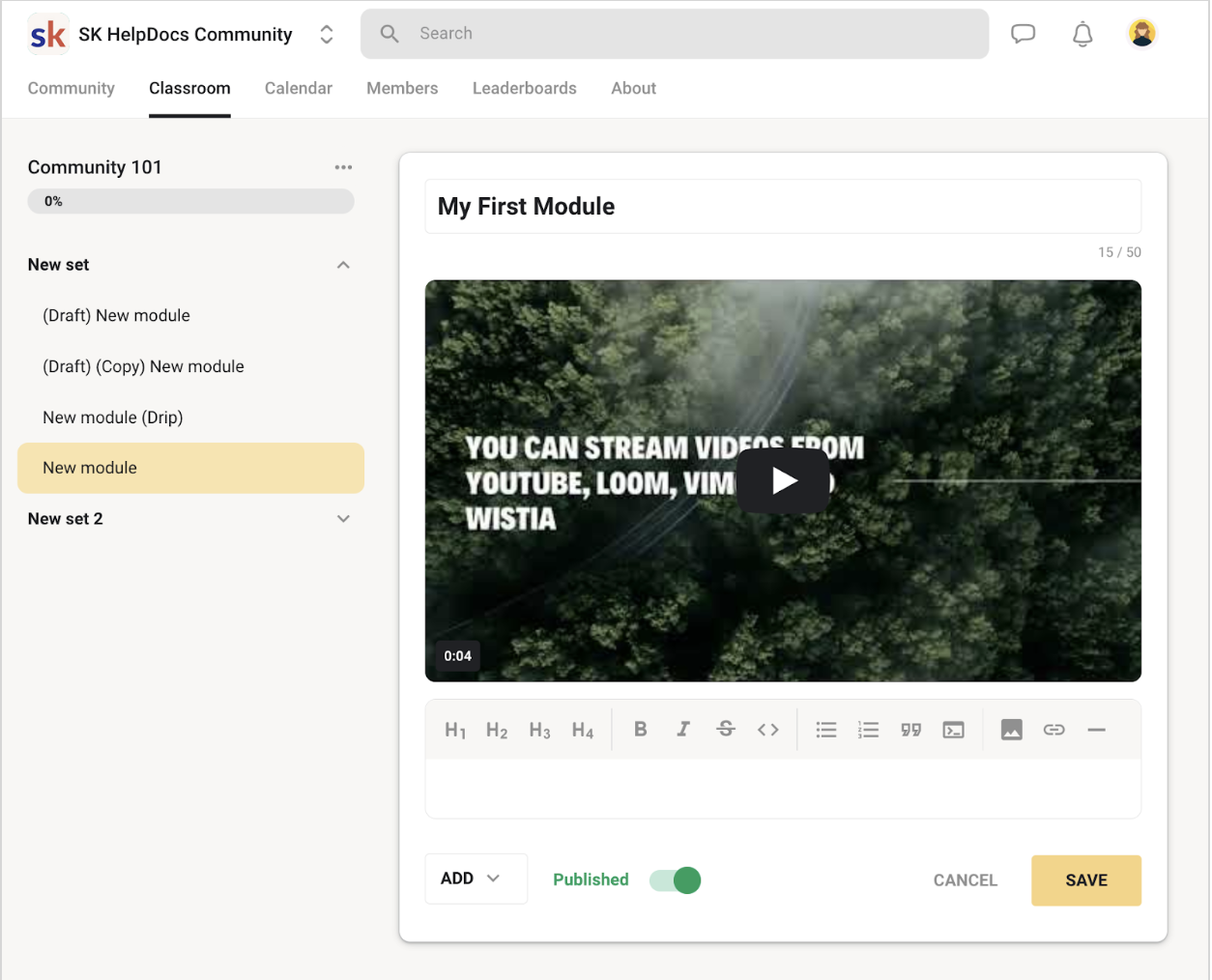
- Courses and lesson content (videos, PDFs, slides, worksheets).
- Pinned or long‑form posts you want to turn into knowledge base articles or lessons.
- Custom data that lives in comments, post reactions, or niche Skool features.
For these, stick to a simple workflow:
- Export or copy content out of Skool.
- Map each item to where it will live in HighLevel (course lesson, community post, knowledge base article, automation, etc.).
- Track completion in your migration spreadsheet.
3. Rebuilding Community and Courses inside HighLevel
With the data in place, focus on rebuilding an experience that’s at least as good as Skool — ideally better.
3.1 Design your new community structure
Inside HighLevel:
- Create Groups or Communities that mirror your Skool groups where needed.
- Decide where you can simplify — for example, combining several low‑engagement Skool groups into a single, clearer community.
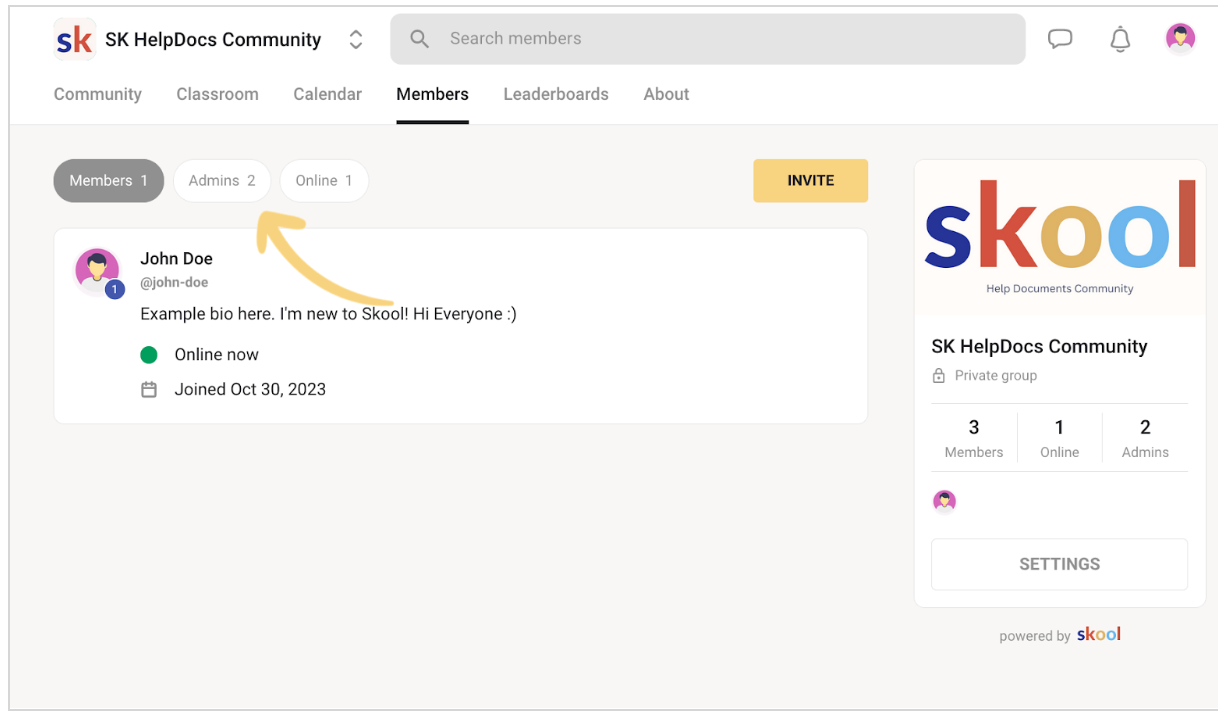
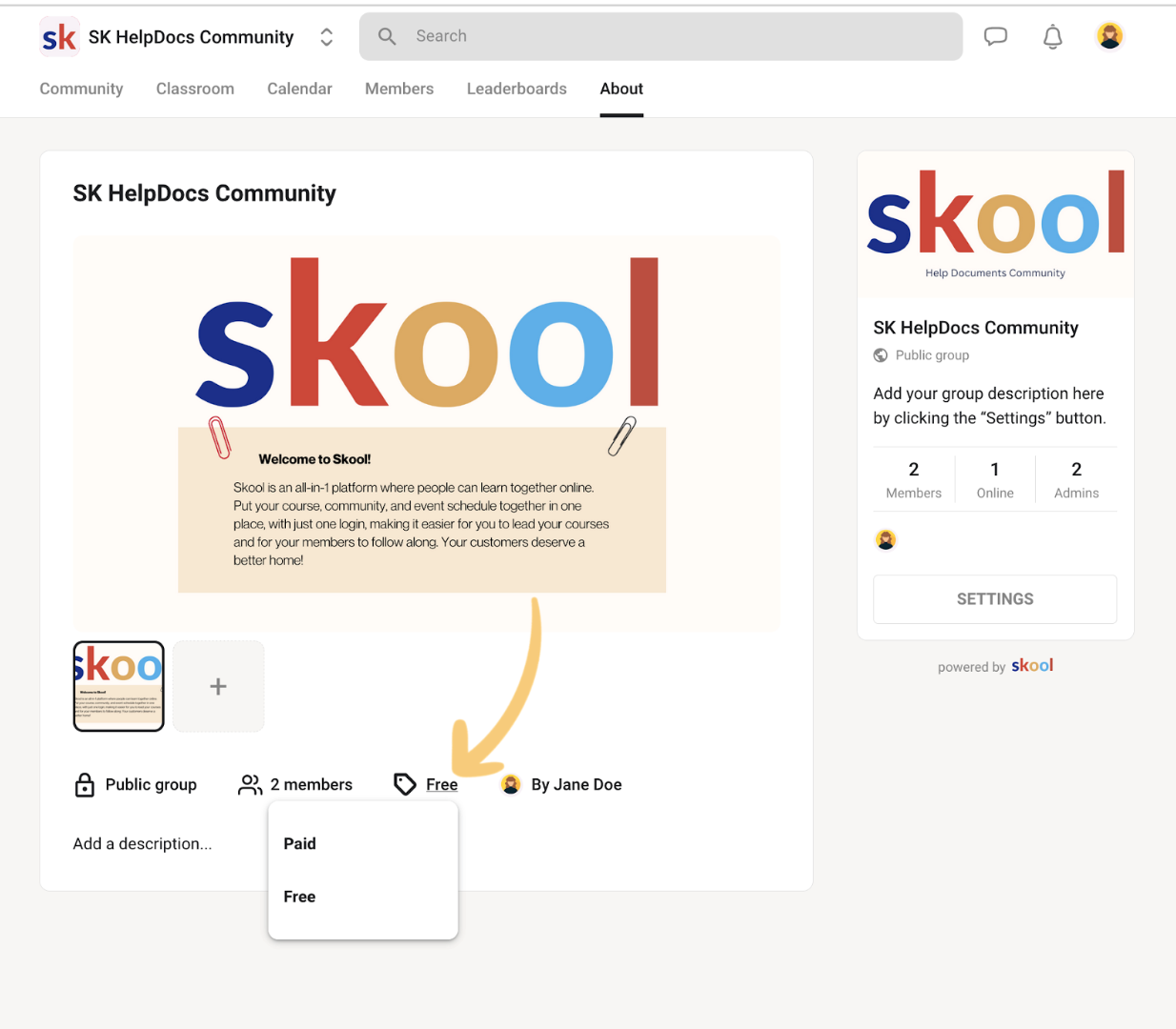
- Set permissions and visibility (free vs paid, internal vs client‑facing, private mastermind vs main group).
Think through:
- Where do new customers land first?
- Where do paying members hang out daily?
- Where do you post replays and key resources?
3.2 Rebuild courses using HighLevel’s course tools
In HighLevel’s Courses area:
- Create a course for each Skool course or program.
- Recreate your module/lesson structure, using the same high‑level order so members don’t feel lost.
- Upload lesson videos, PDFs, and resources.
- Add progress tracking, completion rules, and certificates if relevant.
Where it makes sense, improve the experience instead of cloning Skool:
- Combine overly short lessons into a stronger, single lesson.
- Add “Implementation checklists” or “Next steps” at the end of modules.
- Link to related HighLevel automations (for example, tagging members when they complete a key lesson).
If you want help designing a course experience that actually drives upgrades and renewals, Revset Labs can architect and build the HighLevel setup for you while you stay focused on content and offers.
3.3 Set up member roles and permissions
Recreate your Skool hierarchy:
- Admins: Full control over groups, posts, and settings.
- Moderators / community managers: Manage posts, members, and flags without touching billing or automation.
- Members: Access to specific communities and courses only.
Use HighLevel’s permissions to mirror (or improve) this structure so your team can safely manage the new community.
4. Rebuilding Events and Automations
Your live calls, reminders, and automation sequences are where HighLevel really shines compared to Skool.
4.1 Recreate events in HighLevel’s calendar
In HighLevel:
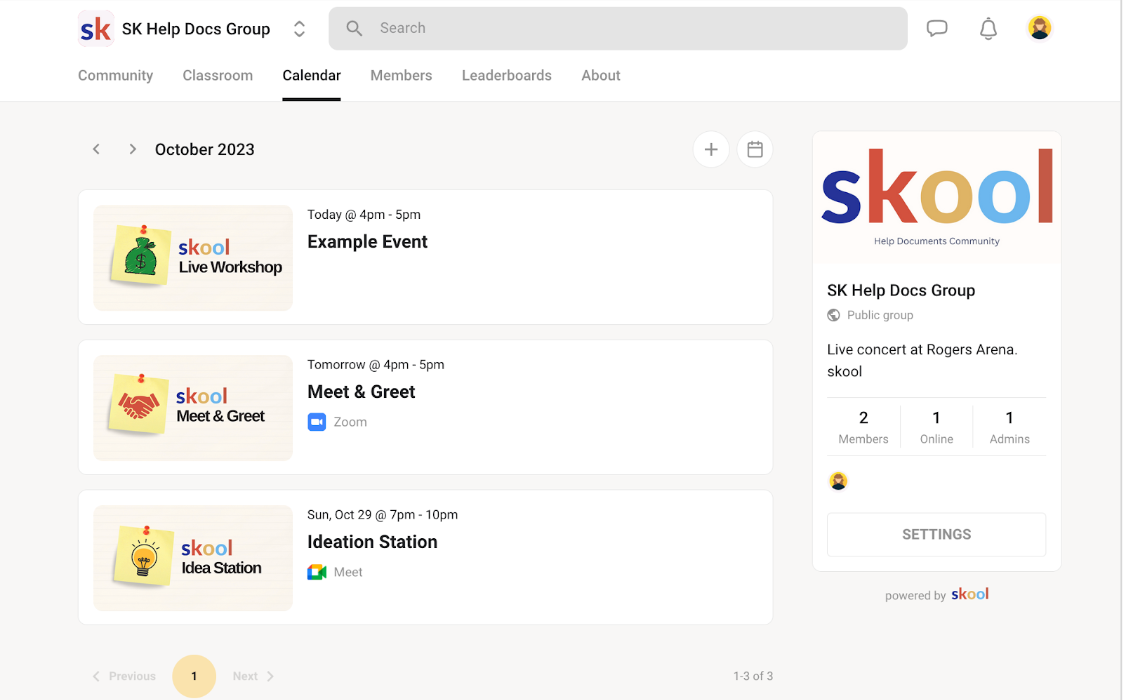
- Use Calendars to recreate recurring events such as coaching calls, office hours, and Q&A sessions.
- Attach the right pipeline stage or workflow so bookings automatically update your CRM.
- Configure time zones, buffer times, and limits to avoid double‑booking.
For each old Skool event, define:
- The new event type in HighLevel (calendar, webinar, Zoom integration, etc.).
- Which community or course it belongs to.
- How reminders should go out (email, SMS, or both).
4.2 Rebuild and upgrade automation workflows
Move your Skool automations into HighLevel’s Workflows engine:
- Onboarding: When someone joins a community or buys a course, trigger welcome messages, profile completion prompts, and a “start here” checklist.
- Engagement: Nudge inactive members, resurface key lessons, and encourage event attendance.
- Lifecycle: Tag and move members between pipelines as they complete courses, upgrade, or churn.
HighLevel lets you do this across email, SMS, DMs, and pipelines — something Skool can’t match.
If building these flows feels overwhelming, Revset Labs can design data‑driven workflows for you, then implement them directly in your HighLevel account.
Ready to see what HighLevel can automate for your community? Spin up your free GoHighLevel trial and start mapping workflows as you read this guide.
5. Testing and Validation Before You Invite Everyone In
Resist the urge to flip the switch immediately. A focused testing phase saves you from support headaches later.
5.1 Test the member experience end to end
Create a few test accounts that mimic your main member types:
- New free member
- New paying member
- Existing member being migrated
- Alumni or reactivation target
For each test profile, walk through:
- Invitation or sign‑up flow.
- Access to the right groups and courses.
- Ability to find key posts, lessons, and replays.
- Booking and attending events.
- Receiving the right emails and SMS messages.
Make notes where friction appears (confusing navigation, too many messages, missing links) and fix them before you migrate everyone.
5.2 Validate data integrity and automations
Behind the scenes, confirm that:
- Contact records have correct tags, pipelines, and custom fields.
- Completed workflows are logging the right events.
- No duplicate contacts are being created by the importer or forms.
- Event attendance and course completion are being tracked reliably.
This is also a good moment to tighten tracking using HighLevel’s reporting, so you can finally answer questions like “Which course creates the most upgrades?” or “Which community members buy the most?”
6. Team Training and Transition
Your move will only succeed if your team actually uses HighLevel the way it’s designed.
6.1 Train your team on the new stack
Run short, focused training sessions for:
- Community managers: Posting, moderating, DM workflows, handling member issues.
- Coaches & creators: Going live, posting replays, assigning homework, tracking progress.
- Ops & marketing: Managing pipelines, running campaigns, updating automations.
Record these trainings and store them in a HighLevel course so new teammates can get up to speed quickly.
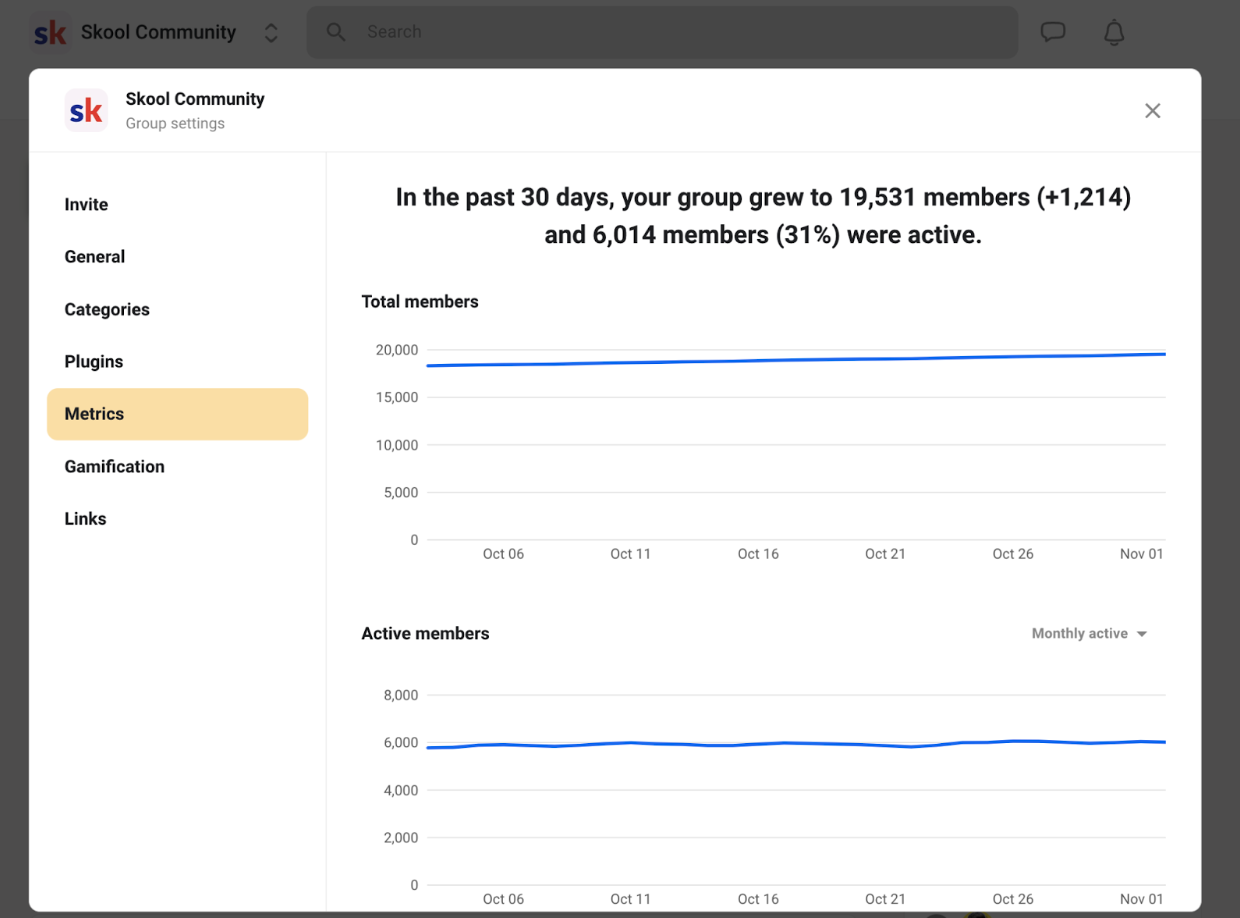
6.2 Monitor and optimize in the first 30–60 days
Once your first members are active in HighLevel, keep a close eye on:
- Engagement: Daily active members, post volume, call attendance.
- Support load: Repeated questions that might need clearer onboarding or better FAQs.
- Revenue: Upgrade rates, renewals, and cross‑sell performance.
Use what you learn to:
- Refine onboarding sequences.
- Adjust community structure.
- Add automations that remove recurring manual work.
Revset Labs often treats this period as a structured “optimization sprint” — one or two cycles of tightening workflows can pay off for years.
7. Decommissioning Skool Confidently
With HighLevel tested and your team trained, you can finally shut down Skool without anxiety.
7.1 Run a short parallel period
For 2–4 weeks, consider:
- Keeping Skool live while directing all new activity into HighLevel.
- Posting clear banners and announcements in Skool that link to your new HighLevel community.
- Giving members a simple one‑click path to log into the new space.
This reduces the risk of stragglers missing critical updates.
7.2 Make your final backup and cancel Skool
Before you cancel:
- Double‑check that you’ve backed up any last‑minute posts or assets.
- Confirm billing dates so you’re not charged for an extra month.
- Document the full migration (what worked, what didn’t) for future reference.
Then follow Skool’s official cancellation process and remove links to Skool from your funnels, emails, and onboarding flows.
Frequently Asked Questions About Moving from Skool to HighLevel
How long does a Skool to HighLevel migration usually take?
For a small community with one or two core programs, you can often complete the migration in 1–2 weeks, including testing. Larger ecosystems with multiple communities, dozens of courses, and complex automations may take 4–8 weeks to plan, migrate, and optimize.
Will my members lose access or get confused during the move?
If you run a short parallel period, communicate clearly, and test the end‑to‑end experience first, most members experience the move as an upgrade, not a disruption. Give them a clear “Start here in HighLevel” path, send a few reminder emails/SMS, and keep your old Skool group available as a backup for a short time.
Do I have to rebuild all my automations from scratch?
You’ll recreate automations in HighLevel, but you don’t have to start from zero. Use your existing Skool flows as a blueprint and take the opportunity to simplify. HighLevel’s Workflows often let you combine multiple Skool automations into a single, smarter flow.
When should I bring in outside help?
If you’re already stretched thin running programs and marketing, or your setup involves multiple products, pipelines, and teams, bringing in a specialist saves a lot of hidden cost. Revset Labs regularly handles Skool → HighLevel migrations, including mapping, implementation, and automation design, so you can keep your attention on launches and clients.
Want a migration that actually upgrades your funnels and automations instead of just copying them? Start your GoHighLevel trial and then talk to Revset Labs about a done‑for‑you implementation.