
Moving from Squarespace to HighLevel isn’t just a “copy and paste” website job. You’re migrating your entire digital engine: pages, SEO, forms, e‑commerce, automations, appointments, and how leads move through your funnel.

Done well, this migration is an opportunity to clean up what isn’t working, double down on what is, and relaunch on GoHighLevel with a faster, more automated, more profitable setup.
Below is a practical, step‑by‑step Squarespace to HighLevel migration guide you can follow yourself, or hand off to a partner like Revset Labs if you’d rather have experts handle the heavy lifting.
Note: Throughout this guide, you’ll see a few points where it makes sense to start fresh in GoHighLevel instead of trying to 1:1 clone an old Squarespace setup. That’s usually where the biggest performance gains come from.
1. Prepare Your Squarespace Site and Migration Plan
Before you touch GoHighLevel, get crystal clear on what you’re moving, why you’re moving it, and what “success” looks like.
1.1 Clarify your migration goals
Grab a notebook or spreadsheet and answer:
- Why are you leaving Squarespace? (Limitations around funnels, CRM, automations, reporting, etc.)
- What must stay the same? (Brand look and feel, key pages, URLs that rank in Google, existing offers.)
- What should improve? (Funnel conversion rates, lead routing, follow‑up speed, sales pipeline visibility.)
Turn this into 3–5 concrete outcomes, for example:
- “Maintain or improve organic traffic and rankings for our top 20 URLs.”
- “Have every new lead routed into a HighLevel pipeline with automated email/SMS follow‑up.”
- “Stop paying for separate tools now replaced by GoHighLevel (email, landing pages, calendar, etc.).”
1.2 Audit your current Squarespace setup
In Squarespace, inventory what you have today:
- Pages & navigation – Static pages, landing pages, legal pages, 404 page.
- Blog posts – Which posts consistently get traffic or generate leads.
- Forms & lead capture – Newsletter opt‑ins, contact forms, quiz forms, download gates.
- E‑commerce – Products, variants, subscriptions, coupons, tax & shipping rules.
- Scheduling – Any Squarespace Scheduling/Calendly‑style booking flows.
- Integrations – Email platform, payment gateways, CRM, analytics, pixels.
Tag each item as one of:
- Migrate as‑is
- Migrate with improvements
- Retire / archive
This keeps you from dragging old clutter into your new HighLevel account.
1.3 Export and back up all critical data
From Squarespace:
- Export a site backup (where available) plus a .xml export of pages and posts.
- Download all images and media you care about.
- Export product catalog and orders (CSV).
- Export contacts, subscribers, and form submissions (CSV).
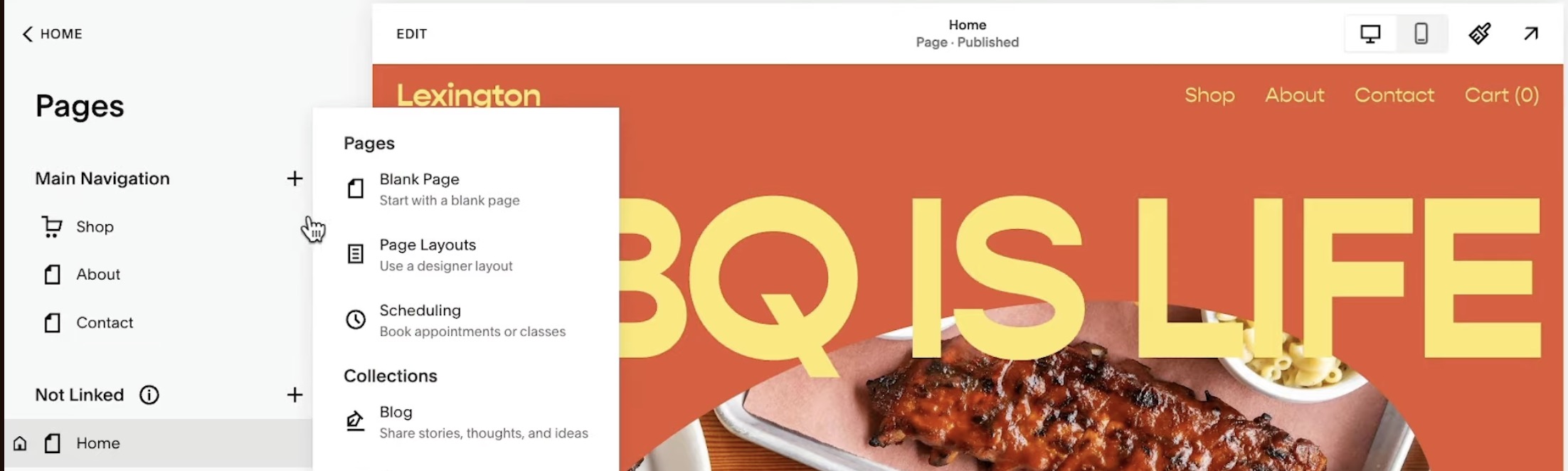
Store these exports in a safe folder. Even if you don’t import everything into HighLevel, you’ll want these archives for reference.
If you don’t yet have a HighLevel account, now is the time to open one so you can work in parallel:
- Start a free GoHighLevel trial: Launch your HighLevel account here and keep it open while Squarespace is still live so you can migrate safely.
Revset Labs can also come in at this prep stage to translate your audit into a concrete HighLevel architecture so you don’t over‑complicate things.
2. Migrate Website Content From Squarespace to HighLevel
With your Squarespace assets backed up, it’s time to rebuild the public‑facing site inside GoHighLevel.
2.1 Set up your HighLevel website framework
Inside your GoHighLevel account:
- Create a new site under Sites → Websites.
- Choose a starter template that’s structurally close to your current Squarespace site (header, footer, hero layout, etc.).
- Configure global settings first:
- Brand colors and typography
- Header and footer
- Global navigation
- SEO defaults (site title, favicon, social sharing image)
Doing this upfront means every page you create is already on brand.
2.2 Rebuild your key pages (with upgrades)
Work through your most important Squarespace URLs in priority order:
- Home page – Recreate the layout, but tighten the message around your primary offer and ideal customer. Use this moment to:
- Clarify your hero headline and subhead
- Add a single, clear primary CTA (book a call, start a trial, request a quote)
- Add social proof blocks (logos, testimonials, quick stats)
- Service / product pages – For each, rebuild sections in HighLevel with:
- Clear problem → solution copy
- Specific outcomes and benefits
- Pricing and inclusions
- Strong CTAs that connect directly into HighLevel forms or funnels
- About, contact, and support pages – Recreate these using HighLevel forms and calendars so every interaction lands in your CRM.
- Legal pages – Copy over your privacy policy, terms, and disclaimers.
Where Squarespace uses generic forms or email links, replace them with HighLevel forms and funnels so you can track every lead.
2.3 Bring over your blog content strategically
Instead of blindly importing every post:
- Prioritize posts that already rank or convert.
- Consolidate thin, overlapping posts into stronger, longer resources.
- Update examples, screenshots, and CTAs to match your new GoHighLevel stack.
In HighLevel, create blog posts (or dedicated long‑form pages) that:
- Preserve URLs for SEO‑critical posts where possible.
- Improve internal linking between related topics.
- Drive readers into HighLevel forms, quizzes, or opt‑ins instead of generic email captures.
Whenever a blog post talks about funnels, automation, or CRM, it’s a natural place to offer GoHighLevel as the platform of choice:
- Example CTA: “Ready to centralize your funnels, CRM, and follow‑up in one place? Start your GoHighLevel free trial and model this setup in your own account.”
2.4 Rebuild your e‑commerce experience (if applicable)
If you sell products or packages in Squarespace:
- Recreate your product catalog in HighLevel (or via integrated checkouts like Stripe inside funnels).
- Rebuild sales pages using HighLevel funnels, with:
- Order bumps, upsells, and downsells where appropriate
- One‑click payment experiences
- Post‑purchase automations that tag buyers and trigger onboarding campaigns
This is often where migrations produce immediate revenue lift, because HighLevel funnels and automations go far beyond what’s possible in a simple Squarespace shop.
3. Rebuild and Enhance HighLevel Automations, CRM, and Scheduling
Once the public‑facing site is in place, connect it to the back‑end engine that makes HighLevel so powerful.
3.1 Import and organize your contacts
- Clean your exported Squarespace contact CSVs (dedupe, fix obvious typos, normalize fields).
- In HighLevel, go to Contacts → Import and map fields correctly (name, email, phone, tags, source, etc.).
- Use tags and custom fields to preserve important distinctions (customers vs. leads, product bought, interests).
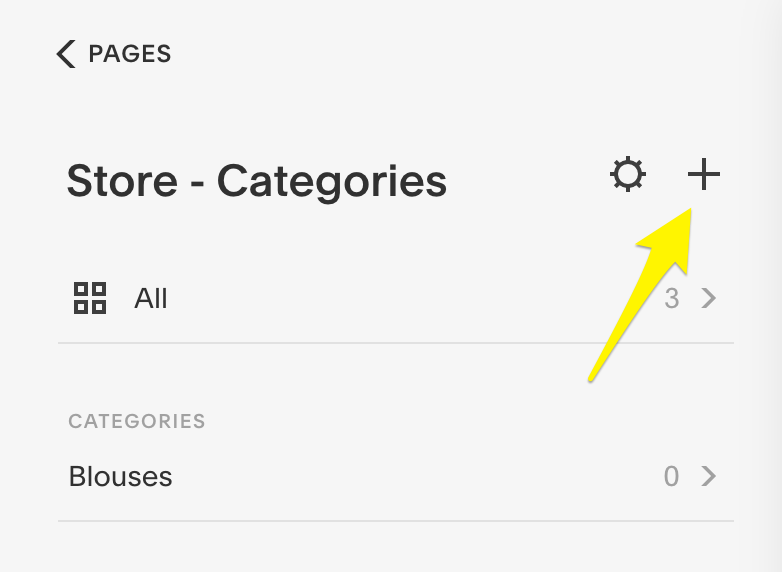
From this point on, HighLevel becomes your single source of truth for contact data.
3.2 Design your pipelines and stages
In HighLevel’s Opportunities/Pipelines area:
- Create pipelines that mirror how you sell (for example: New Lead → Qualified → Booked Call → Proposal Sent → Won/Lost).
- Define clear entry and exit criteria for each stage.
- Connect your website forms and funnels so new leads automatically enter the right pipeline in the right stage.
This is a major upgrade from Squarespace, where leads are often just emails in an inbox.
3.3 Rebuild email, SMS, and workflow automations
List every automated touchpoint Squarespace was involved in (or that you wish it was):
- Welcome sequences for new subscribers
- Lead magnet delivery
- Abandoned cart follow‑up
- Booking confirmations and reminders
- Post‑purchase onboarding and upsell sequences
Then, in HighLevel:
- Create campaigns and workflows that map to these journeys.
- Use If/Else logic to branch based on behavior (opened, clicked, replied, booked, purchased).
- Layer in SMS and two‑way messaging where it makes sense to shorten response times.
This is also where Revset Labs can help you design high‑converting automation frameworks, instead of simply recreating whatever you had in Squarespace.
If you want to experience these automation capabilities directly, spin up a sandbox with this link: Try GoHighLevel with a free trial.
3.4 Replace legacy scheduling tools with HighLevel calendars
If you used Squarespace Scheduling (or a tool embedded into Squarespace):
- Set up HighLevel calendars for sales calls, client sessions, or demos.
- Embed those calendars into your HighLevel pages.
- Attach confirmation and reminder workflows so every booking triggers the right follow‑up.
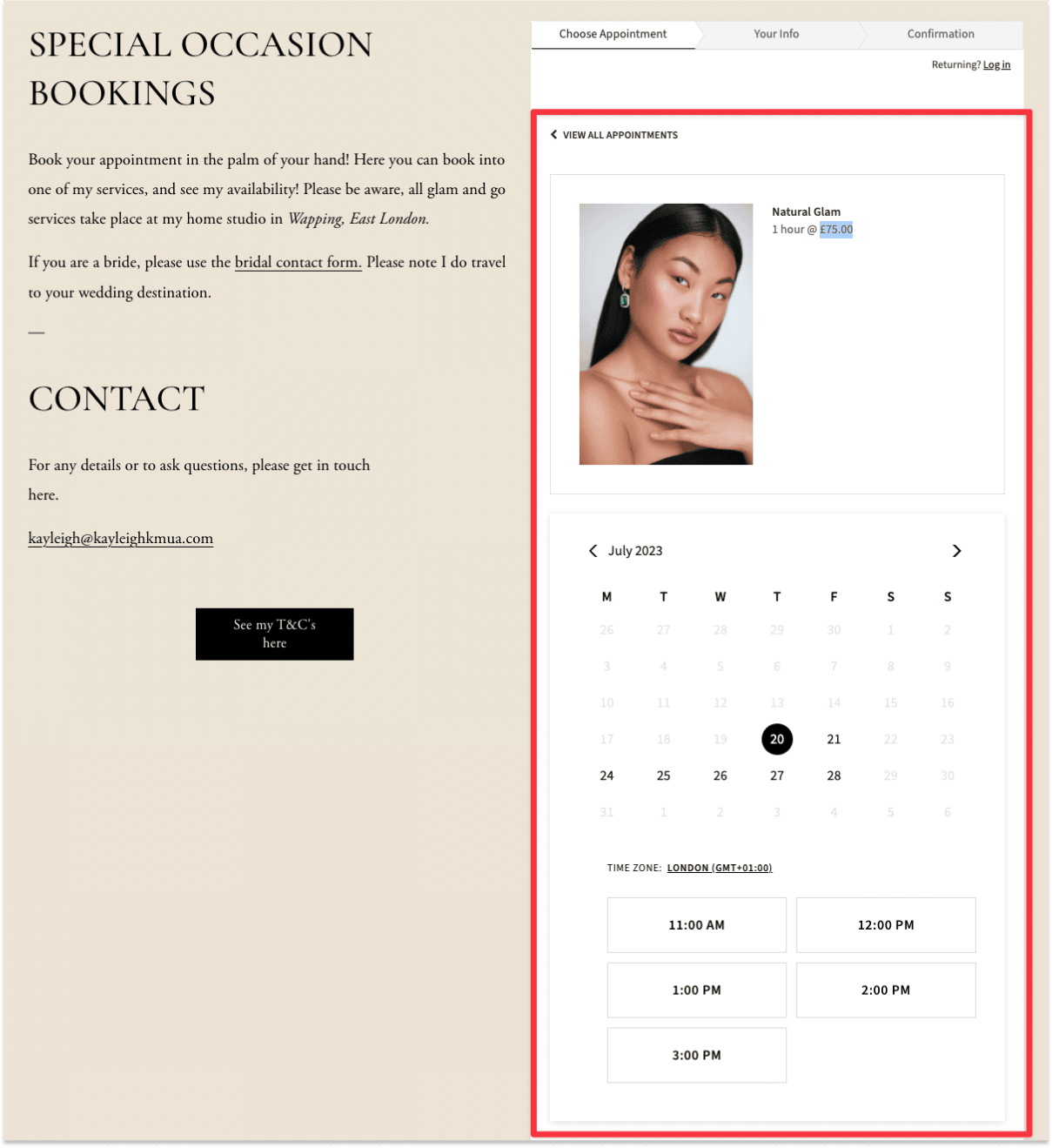
This centralizes your bookings, reminders, and no‑show management inside the same system as your CRM.
4. Test, Validate, and Protect Your SEO
A smooth migration is invisible to your visitors — and ideally to Google as well.
4.1 Functional QA: does everything work?
Before you point your domain to HighLevel, run a full checklist:
- Click through every top‑priority page on desktop and mobile.
- Test all forms, pop‑ups, and chat widgets.
- Submit test leads and verify they land in the right pipeline with the right tags.
- Place test orders and ensure payments, receipts, and fulfillment notifications work.
- Book test appointments and confirm reminders and follow‑ups fire correctly.
Fix any layout bugs, broken links, or workflow gaps now—before real traffic arrives.
4.2 SEO checks and redirects
To protect rankings when moving from Squarespace:
- Match key URLs wherever possible (especially for pages and posts that rank or earn links).
- For any URL that must change, create 301 redirects from the old Squarespace URL to the new HighLevel URL.
- Recreate or improve on‑page SEO:
- Unique, keyword‑rich page titles and meta descriptions
- Clean header hierarchy (H1 → H2 → H3)
- Descriptive alt text for key images
- Ensure your XML sitemap and robots.txt are configured correctly on the new site.
After launch, monitor Google Search Console for 404s, crawl errors, and coverage issues so you can quickly fix any missed redirects.
4.3 Performance and analytics
- Connect Google Analytics and Google Tag Manager (if used) to your HighLevel pages.
- Validate key events and conversions: form submissions, bookings, purchases, key button clicks.
- Check page speed and Core Web Vitals on your highest‑traffic URLs.
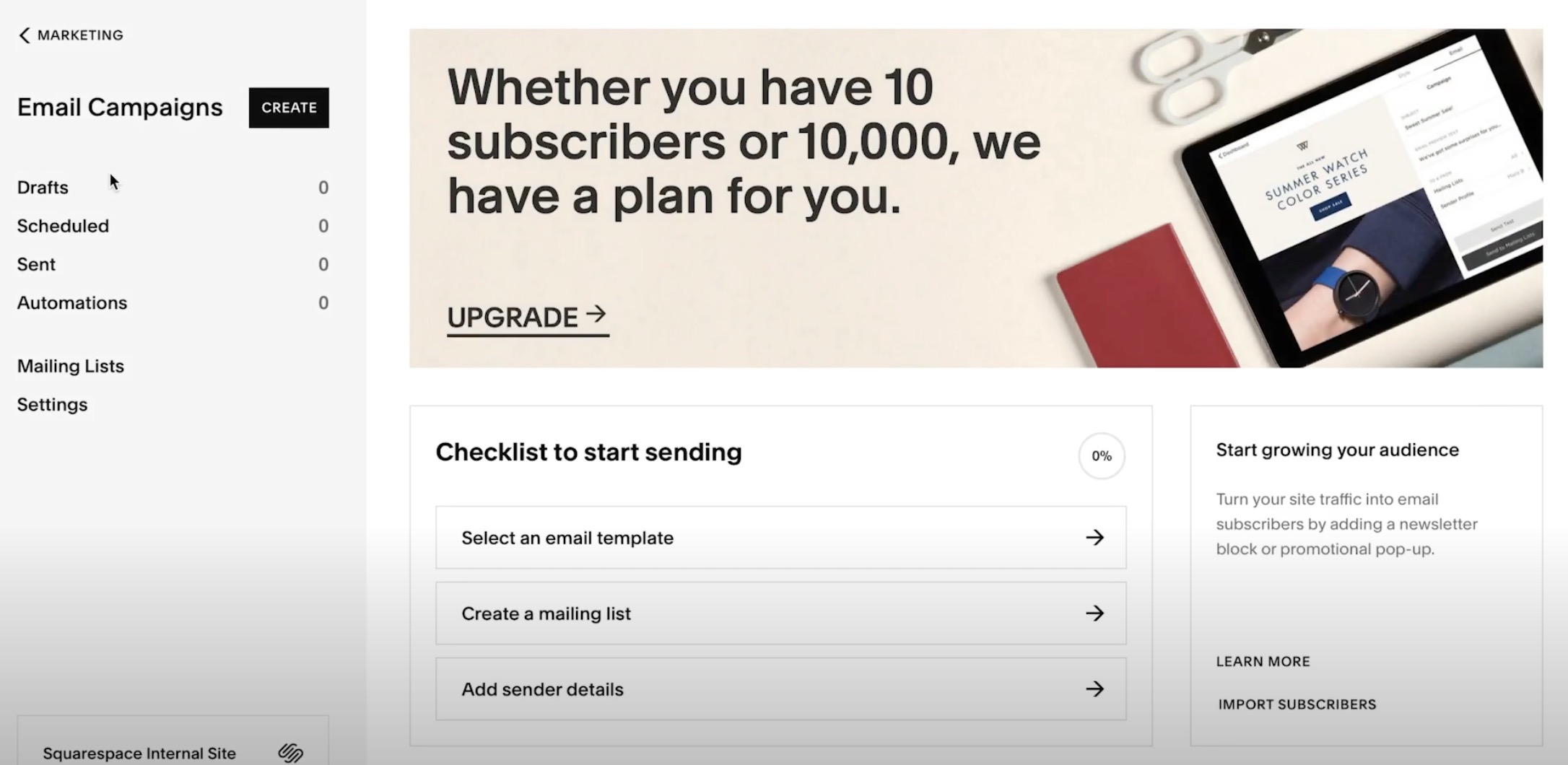
These checks ensure your new HighLevel site is both trackable and fast.
5. Train Your Team and Transition Operations to HighLevel
Your migration isn’t complete until your team is confidently using HighLevel instead of falling back to old tools.
5.1 Give your team role‑based training
For each role (sales, marketing, service, leadership):
- Define what they should now be doing in HighLevel.
- Create quick SOPs or Loom videos showing those workflows.
- Set expectations for how often pipelines, tasks, and conversations should be updated.
Encourage your team to use HighLevel’s mobile app so follow‑ups happen from anywhere.
5.2 Standardize processes around HighLevel
Common examples:
- Leads are always added, tagged, and worked from HighLevel (not personal inboxes).
- Opportunities are advanced through pipeline stages in real time.
- Notes and call outcomes are logged on the contact record after every interaction.
- Campaigns and broadcasts are created and sent from HighLevel’s marketing tools.
If you’d like help designing these workflows, Revset Labs can act as your implementation partner—mapping your current processes into a clean, scalable HighLevel setup.
6. Launch on HighLevel and Decommission Squarespace Safely
With pages, automations, and training in place, you’re ready to go live.
6.1 Run both systems in parallel (briefly)
For a few days or weeks:
- Keep Squarespace live while your HighLevel site runs on a staging or subdomain.
- Send a portion of traffic (for example, from paid ads or email campaigns) to the new HighLevel pages.
- Watch performance, error logs, and support tickets to catch any issues.
Once you’re confident in the new setup, update DNS so your primary domain points to HighLevel.
6.2 Final backups and shutdown
Before fully canceling Squarespace:
- Take a final backup of any remaining content, images, and settings.
- Confirm that all critical URLs are either live in HighLevel or redirected via 301s.
- Document any Squarespace‑only features you chose not to migrate (and why).
Then, cancel your Squarespace subscription so you’re not paying for a platform you no longer use.
6.3 Optimize post‑launch
Over the first 30–90 days on HighLevel:
- Monitor funnel conversion rates, lead response times, and campaign performance.
- Tighten automations based on real‑world behavior.
- Add additional funnels, nurture sequences, and reporting dashboards as needed.
If you want a partner who lives in GoHighLevel and thinks in terms of revenue, not just pages, Revset Labs can plan and execute the entire Squarespace → HighLevel migration for you, from architecture to automation.
And if you haven’t yet made the jump, you can get started here:
- Start your GoHighLevel free trial: https://www.gohighlevel.com/?fp_ref=getfreetrail
With a solid plan, a clean build in HighLevel, and disciplined follow‑through, your “simple” platform change becomes a meaningful upgrade to how your business attracts, converts, and serves customers.